Get a Free Quote

Our representative will contact you soon.
Email
Name
Mobile
Company Name
Message
0/1000
siemens 6av2125 2gb03 0ax0 simatic hmi ktp700 mobile panel-0

SIEMENS

Home >  Products >  SIEMENS

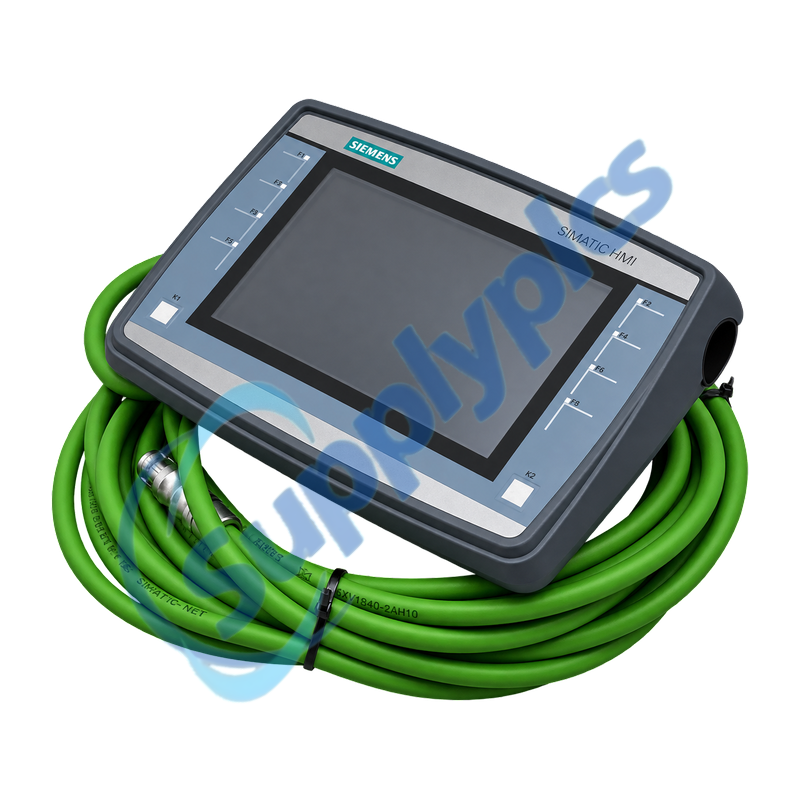
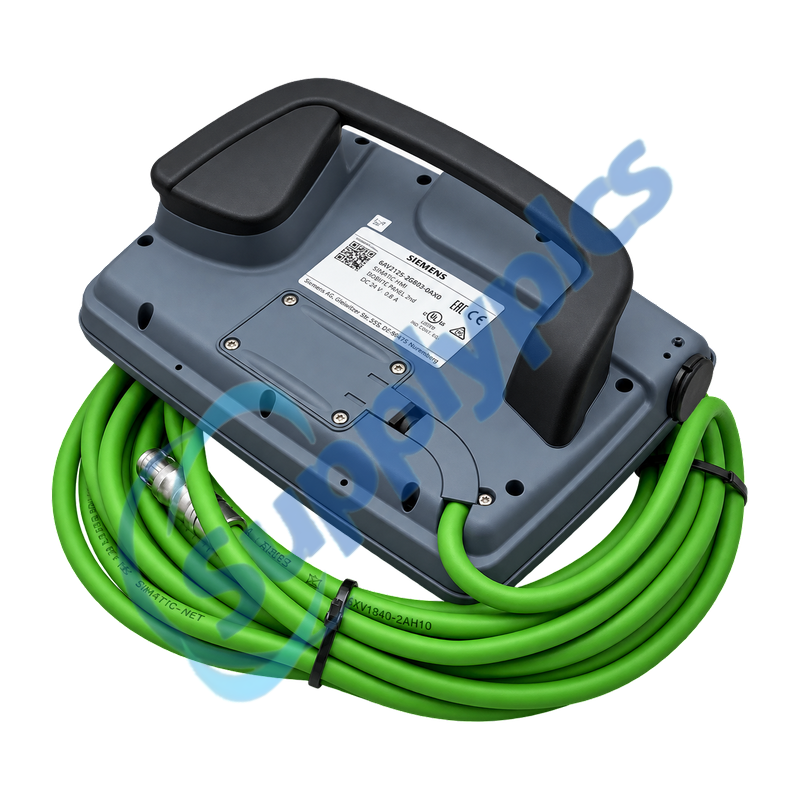
Siemens 6AV2125-2GB03-0AX0 SIMATIC HMI KTP700 Mobile Panel

Product Name: SIMATIC HMI KTP700 Mobile Panel
Brand Name: Siemens
Model Number: 6AV2125-2GB03-0AX0
Place of Origin: Germany
Warranty: 12 Months
Whatsapp: +86 18020776782
Appurtenance:
  • Overview
  • Description
  • Mobile Operation
  • Project Transfer
  • Specifications
  • Contact info
  • Commercial Term
  • FAQ
  • Other Products
  • Recommended Products
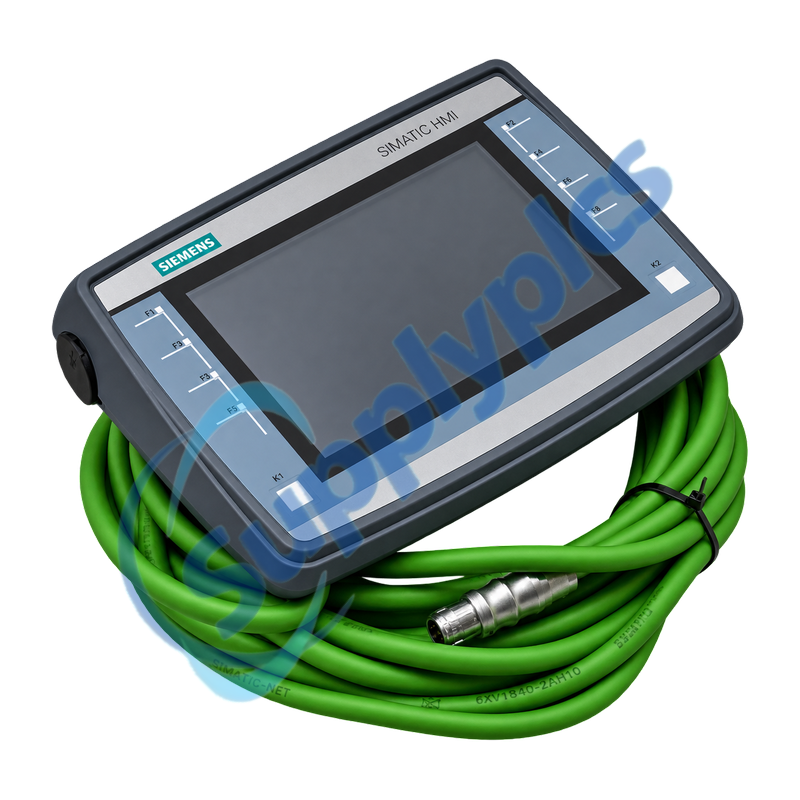
Seven-inch mobile HMI with touch and eight illuminated function keys for wired PROFINET machine operation
KTP700 Mobile provides an 800 x 480 TFT display, key and touch operation, one PROFINET interface, USB and SD storage. This variant has no emergency-stop or three-stage enabling device, so any safety function must be provided by the machine design.
Wireless-site check: Confirm the exact non-failsafe panel variant, connection box and cable, 24 V supply, WinCC Comfort project, PROFINET device identity and machine safety concept. Do not substitute a Mobile Panel variant solely by screen size.

Description

6AV2125-2GB03-0AX0 is the SIMATIC HMI KTP700 Mobile with a 7-inch widescreen display, touch input and eight illuminated function keys. It supports PROFINET, Ethernet/IP and Modbus TCP communication and can be configured with WinCC Comfort V13 SP1 or later.
Before replacement, archive the editable HMI project, recipes, user data and communication settings. Inspect the mobile-panel cable and connection box, then test transfer, PLC communication, alarms and every operator key before production use.

Mobile Operation

Panel variant, connection hardware and the machine safety concept must be checked together.
Panel variant
Confirm the complete order number and that the application does not require an integrated emergency-stop or enabling switch.
Connection path
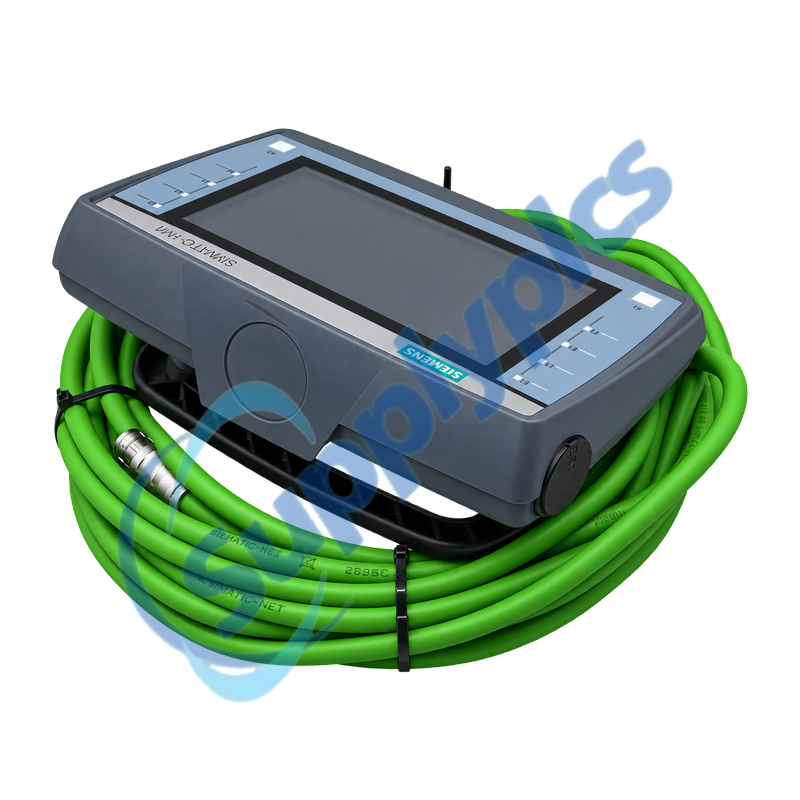
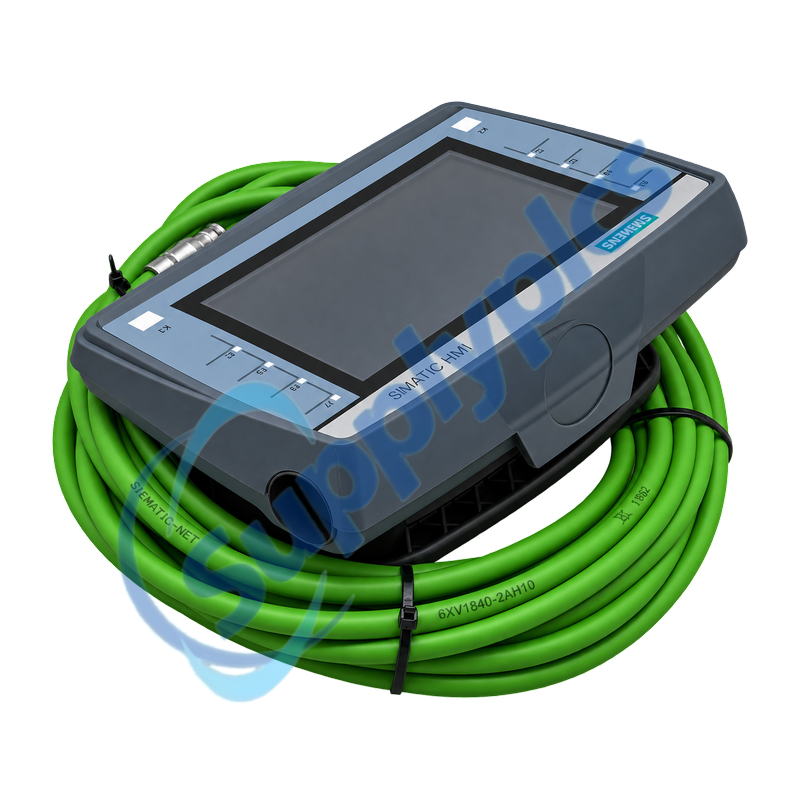
Inspect the mobile cable, connection box, locking parts and protective covers for wear or damage.
Operator workflow
Record function-key assignments, user permissions, alarms and the safe location for mobile operation.

Project Transfer

A verified project and staged communication test reduce downtime during panel exchange.
Project archive
Keep the editable WinCC Comfort project, recipes, certificates, users and device settings.
PROFINET identity
Record the panel IP address, device name, PLC connection and network topology before removal.
Acceptance test
Check touch calibration, all function keys, alarms, recipes, USB or SD access and controlled PLC writes.

Specifications

Product type designation
SIMATIC HMI KTP700 Mobile
Order number
6AV2125-2GB03-0AX0
Display
7-inch TFT, 800 x 480 pixels, 16.7 million colors
Operation
Touch screen plus 8 illuminated function keys
Communication
1 x PROFINET / Industrial Ethernet
Storage
12 MB user data; SD card slot
USB
1 x USB 2.0
Supply
24 V DC, 19.2 to 28.8 V
Protection
IP65 all round
Operating temperature
0 to +45 degrees C
Engineering
WinCC Comfort V13 SP1 or later
Safety controls
No emergency-stop and no three-stage enabling switch

Contact info

Commercial Term

Quotation
Current price and availability
Payment
T/T or agreed terms
Lead time
Confirmed with quotation
Shipping
DHL, FedEx, UPS or agreed freight
Warranty
12 months

FAQ

Q1
How can I confirm that 6AV2125-2GB03-0AX0 is the correct Mobile Panel variant?
Match the complete order number, 7-inch display, eight function keys, PROFINET connection and connection-box hardware. This variant has no emergency-stop or three-stage enabling switch, so verify the machine safety concept before substitution.
Q2
Which engineering software is required for 6AV2125-2GB03-0AX0?
Siemens specifies configuration from WinCC Comfort V13 SP1. Use a version that supports the saved project and panel firmware, and keep the editable source project rather than relying only on a runtime backup.
Q3
Why can 6AV2125-2GB03-0AX0 power up but fail to communicate with the PLC?
Check the mobile cable and connection box, panel IP and PROFINET device name, PLC connection object, switch port and network diagnostics. Confirm the project was compiled for the correct panel before replacing hardware.
Q4
How should 6AV2125-2GB03-0AX0 be installed and handled in the plant?
Inspect the cable strain relief and connector, maintain IP65 sealing, avoid sharp cable bends and provide a safe storage position. Verify the 24 V supply at the connection point and test the panel at each intended operating location.
Q5
What should be backed up before replacing 6AV2125-2GB03-0AX0?
Preserve the editable WinCC project, recipes, users, passwords, certificates, archives, network settings and function-key documentation. Verify that the backup opens and that the required transfer method is available.
Q6
How should touch or key problems on 6AV2125-2GB03-0AX0 be diagnosed?
Test touch calibration and each function key in the panel diagnostics or project, inspect the cable and connection box and compare behavior at another approved connection point. Separate project, communication and hardware causes before replacement.

Other Products

HEIE420318R3 XT375A-E QPA2000 ABB PM554-T-ETH 1TNE968900R0110
BRX-8146 90Y4608 60HH-S 253761 IC694MDL754-HD
2CDG 110 157 R0011 OCMP/16-3/16-3 OCM1240 PCI8-LX X13760335-01
ABB CI512 / 1SAP221000R3002 45186-6 3X125A
ABB AG 500MDD01 1KGT034200R001 ABB ALS-1/DLS-1 1615C51G PCO3000ES0
TESTO 512 PN 05605120 TT-MBC-MC-BLK GC1600CH
2076-D6-350B-H VISION120 T300 901-T300-WW01
902/P P1B1CBR300 GE CR123H055A 45-123
Cobra4 12656-00 12601-00 HDA032Z 313607 571125022 I3J2L-0000
600 L25 0,5 FSP-951A 69-2160-04 A0 700-26425-05

Get a Free Quote

Our representative will contact you soon.
Email
Name
Mobile
Company Name
Message
0/1000

Get a Free Quote

Our representative will contact you soon.
Email
Name
Mobile
Company Name
Message
0/1000