Get a Free Quote

Our representative will contact you soon.
Email
Name
Mobile
Company Name
Message
0/1000
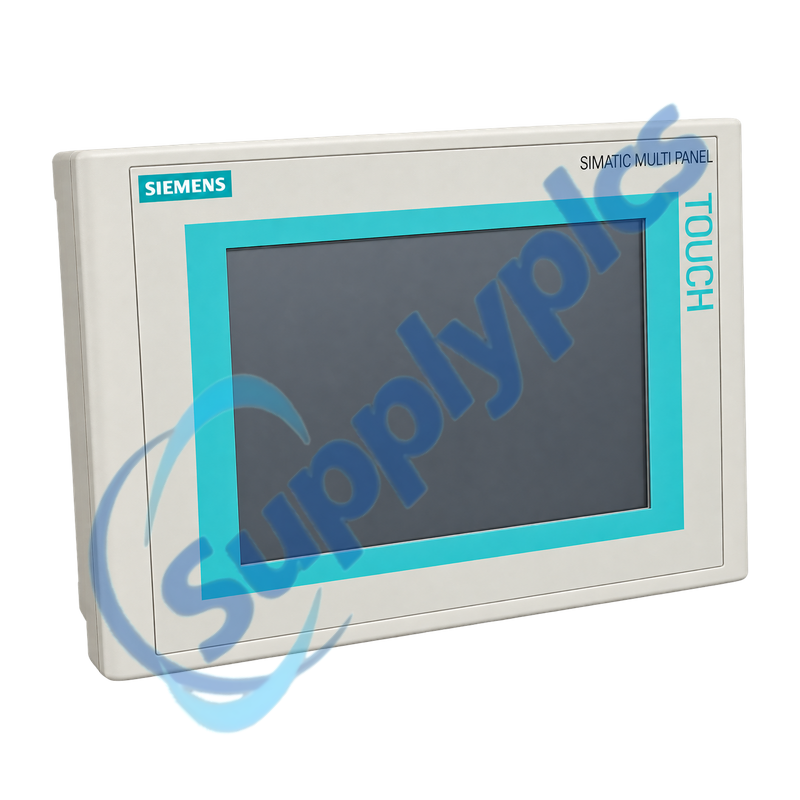
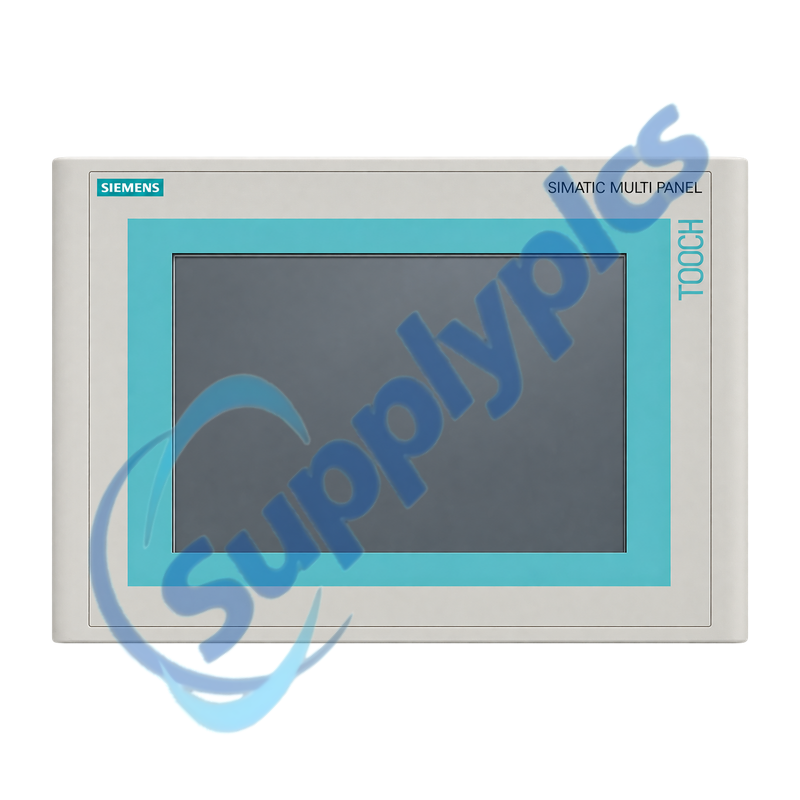
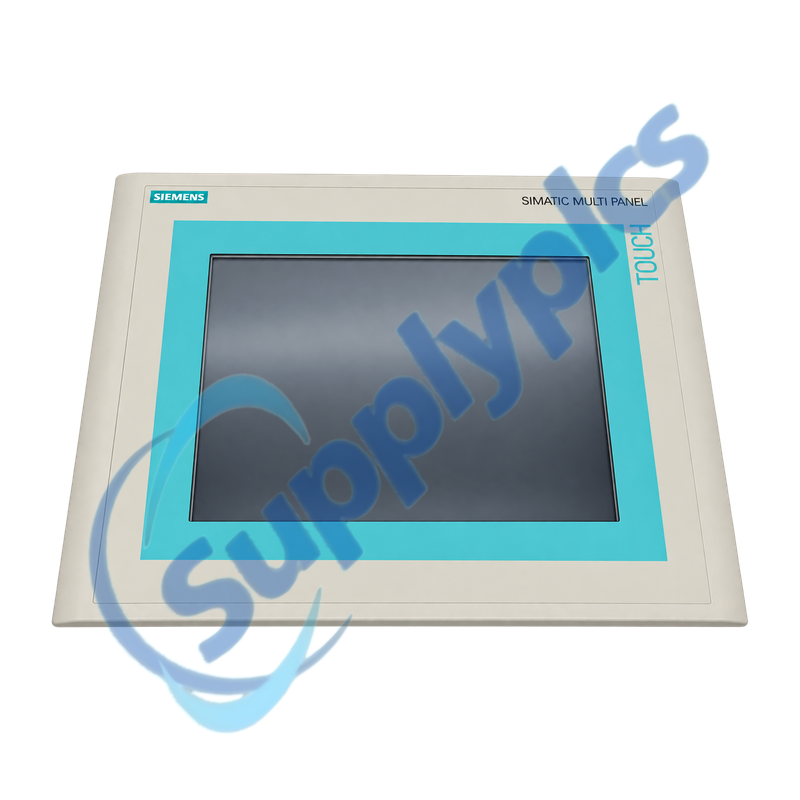
siemens 6av6545 0ag10 0ax0 simatic hmi mp270b 10 inch touch multi panel-0

SIEMENS

Home >  Products >  SIEMENS

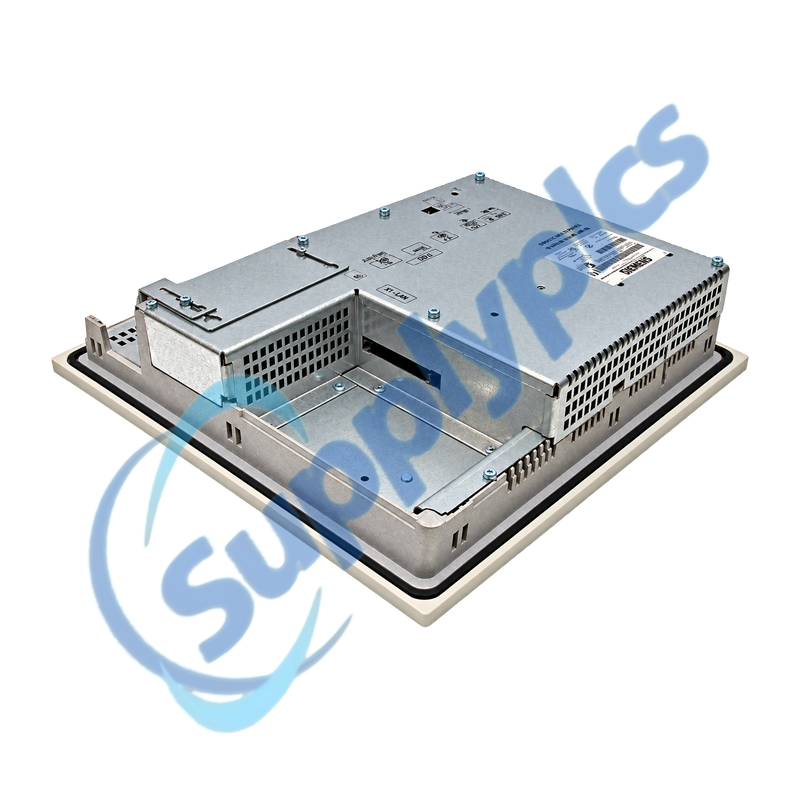
Siemens 6AV6545-0AG10-0AX0 SIMATIC MP270B Touch Panel

Product Name: SIMATIC HMI MP270B 10-inch Touch Multi Panel
Brand Name: Siemens
Model Number: 6AV6545-0AG10-0AX0
Place of Origin: Germany
Warranty: 12 Months
Whatsapp: +86 18020776782
Appurtenance:
  • Overview
  • Project Migration
  • Description
  • Panel Installation
  • Specifications
  • Commercial Term
  • Contact info
  • FAQ
  • Other Products
  • Recommended Products
Ten-inch Windows CE multi panel with touch operation, serial PLC interfaces, Ethernet and removable storage
The MP270B 10-inch Touch combines a 640 x 480 TFT touch display, Windows CE, 4 MB configuration memory, serial and Ethernet communication and CF or PC card storage. Project recovery, interface mapping and the panel cutout are critical for replacement or migration.
Project, storage and interface check: Confirm the full 6AV6545-0AG10-0AX0 label, 10-inch touch format, panel cutout, ProTool or WinCC flexible project, PLC protocol, Ethernet and serial settings, CF or PC card contents, 24 V supply and installed options.

Project Migration

The editable project, runtime backup and storage media should be treated as separate recovery assets.
Source project
Preserve the ProTool or WinCC flexible project, libraries, recipes, users, alarms and communication objects.
Service backup
Create and verify a supported backup with ProSave or the engineering tool before disturbing the panel.
Migration scope
For a modern HMI, plan screen, script, recipe, alarm, communication and user-management conversion and testing.

Description

6AV6545-0AG10-0AX0 is the SIMATIC HMI MP270B 10-inch Touch Multi Panel. It provides touch operation, a 640 x 480 TFT display, Windows CE, serial PLC connections, Ethernet and removable storage for legacy machine visualization.
Before replacement, archive the editable HMI project and perform a service backup with the supported tool. Record IP and serial settings, passwords, recipes, storage-card contents, panel cutout and interface cables, then test the replacement with controlled PLC writes.

Panel Installation

Mechanical fit, power quality, grounding and every communication interface must be checked before final mounting.
Panel cutout
Confirm the 310 x 248 mm cutout, gasket condition, retaining hardware and required mounting depth.
Potential bonding
Use low-impedance grounding and shield connections and avoid large potential differences between stations.
Interface map
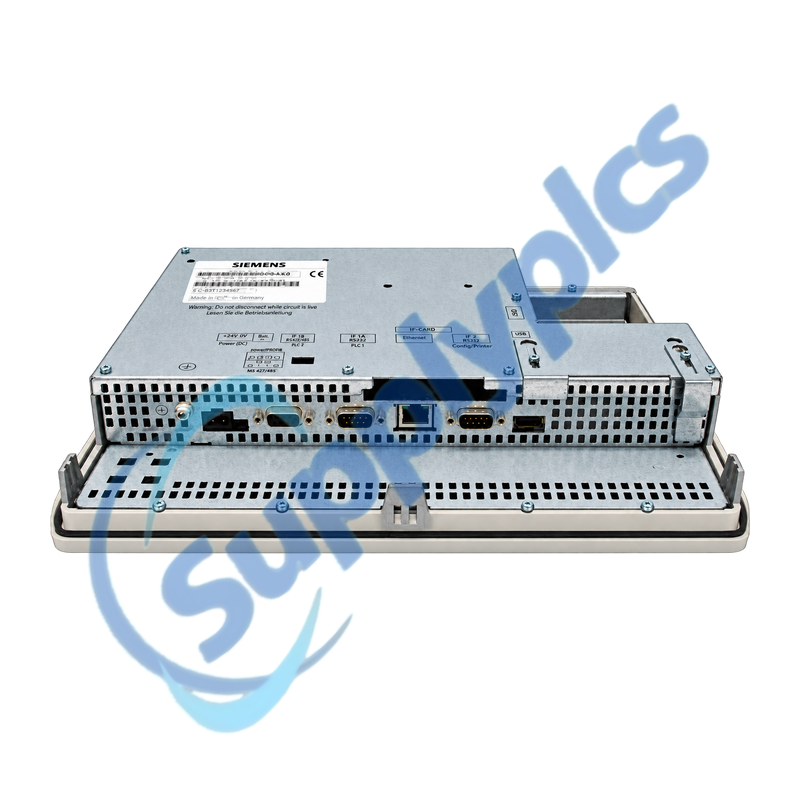
Label Ethernet, serial, USB and storage connections and record switch settings before disconnection.

Specifications

Product type designation SIMATIC HMI MP270B 10-inch Touch
Order number 6AV6545-0AG10-0AX0
Display 10.4-inch TFT touch screen, 640 x 480 pixels
Colors 256
Configuration memory 4 MB
Operating system Microsoft Windows CE
Ethernet 1 x 10/100 Mbit/s
Other interfaces RS232, RS422/RS485, USB and removable-card slots
Supply 24 V DC, -15% to +20%
Protection IP65 front; IP20 rear
Dimensions / cutout 335 x 275 mm; cutout 310 x 248 mm
Weight Approximately 4.5 kg

Commercial Term

Quotation
Current price and availability
Payment
T/T or agreed terms
Lead time
Confirmed with quotation
Shipping
DHL, FedEx, UPS or agreed freight
Warranty
12 months

Contact info

FAQ

Q1
How can I verify that 6AV6545-0AG10-0AX0 matches the installed MP270 panel?
Match the complete order number, 10.4-inch touch display, 335 x 275 mm front size, 310 x 248 mm cutout, interface arrangement and 24 V supply. Key-operated and 6-inch MP270B variants are not direct physical substitutes.
Q2
What should be backed up before replacing 6AV6545-0AG10-0AX0?
Keep the editable ProTool or WinCC flexible project and create a supported service backup. Preserve recipes, users, passwords, alarms, storage-card files, Ethernet and serial settings and the installed runtime or firmware information.
Q3
Why can 6AV6545-0AG10-0AX0 start normally but fail to communicate with the PLC?
Check the downloaded project, PLC connection object, Ethernet address or serial switch setting, cable and shielding. For SIMATIC S5 connections, also verify that PLC memory compression has not invalidated the communication data.
Q4
How should 6AV6545-0AG10-0AX0 be installed for reliable grounding and sealing?
Use the specified cutout and gasket, tighten the retaining hardware evenly and keep the front IP65 seal continuous. Connect low-impedance potential bonding and shielded communication cables before the function test.
Q5
What should be checked when touch input on 6AV6545-0AG10-0AX0 is inaccurate or unresponsive?
Inspect and clean the front surface, run the supported touch calibration and test the loaded project for invisible or overlapping objects. If the fault remains, compare behavior before and after a known-good service backup restore.
Q6
How should 6AV6545-0AG10-0AX0 be migrated to a newer HMI?
Treat it as an engineering project: recover the editable source, select a supported panel and software version, convert communications, screens, scripts, alarms and recipes and verify every operator action and PLC write under machine safety controls.

Other Products

RS422/485 NGRX-ELVI-AU-WH 140-112EX
626-75-GH-P9-E4-S1 CPM04-BN AP9613
CP-8832-MIC-WIRED H4W4PER3V 9150-32923-00
302D UME-512A 1606-XLSRED
ML350 801233-B21 Gen9 E5-2609v4 IR125Y-2 B91023013 481-140
3900-02-10 RTD PT100 BM12 616-661 2711-T5A16L1
OP10HONS 6GK7443-1EX20-0XE0 12 04310
037H6472 CEAS410751-01-01 / HK50AA003 PD-10N
ABB PM554 DO561 46940C-5 AA25A-024L-050T120 RMBA-01
T60c 06675 LBB1856/00 LBB1957/00 AMU02C RS485/12V

Get a Free Quote

Our representative will contact you soon.
Email
Name
Mobile
Company Name
Message
0/1000

Get a Free Quote

Our representative will contact you soon.
Email
Name
Mobile
Company Name
Message
0/1000