Get a Free Quote

Our representative will contact you soon.
Email
Name
Mobile
Company Name
Message
0/1000
siemens 6av6647 0ae11 3ax0 simatic hmi ktp1000 basic color dp panel-0

SIEMENS

Home >  Products >  SIEMENS

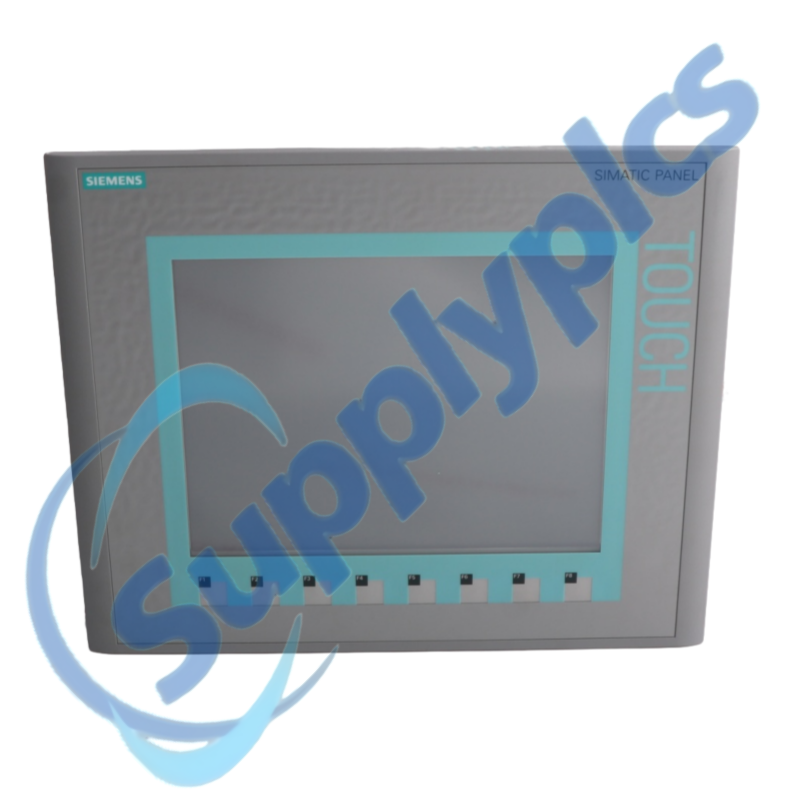
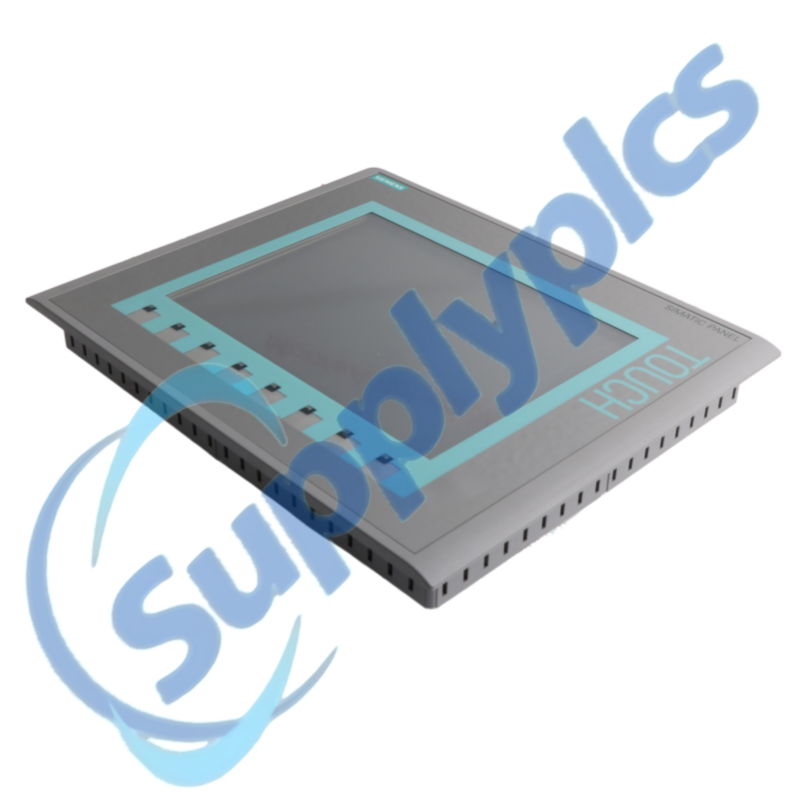
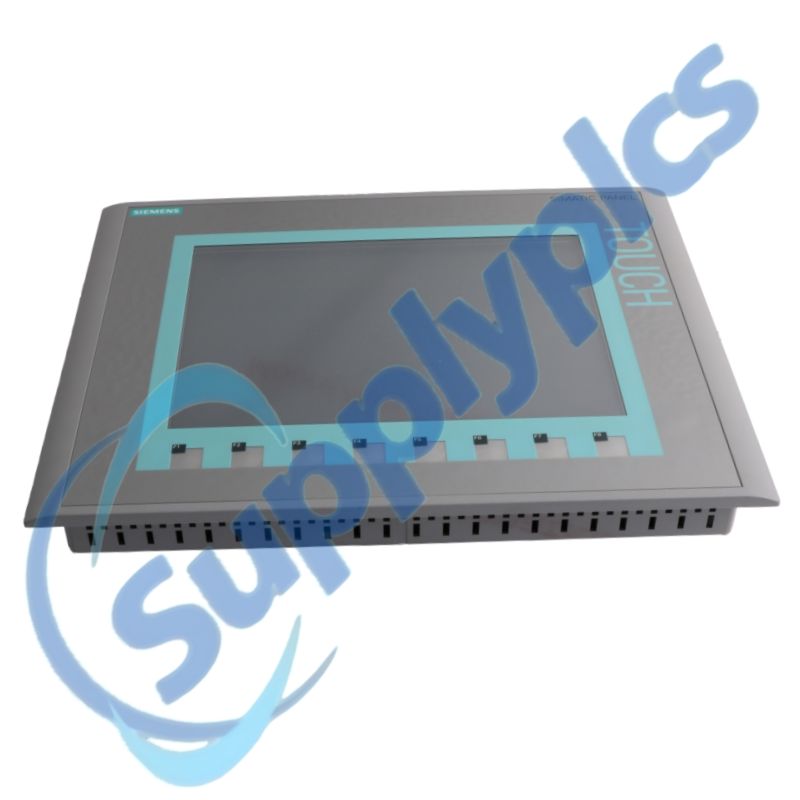
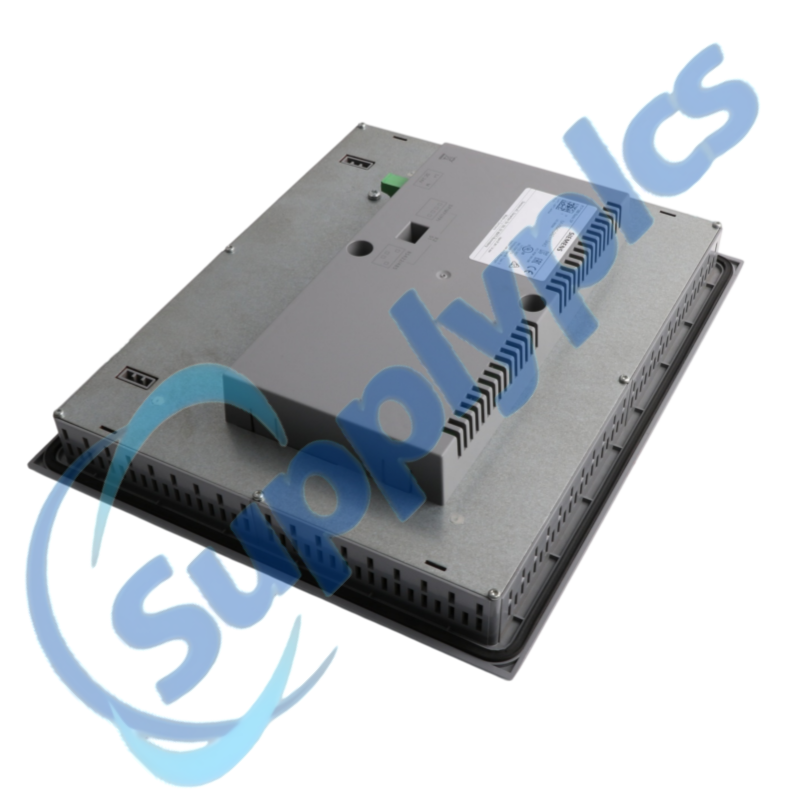
Siemens 6AV6647-0AE11-3AX0 SIMATIC HMI KTP1000 Basic Color DP Panel

Product Name: SIMATIC HMI KTP1000 Basic Color DP Panel
Brand Name: Siemens
Model Number: 6AV6647-0AE11-3AX0
Place of Origin: Germany
Warranty: 12 Months
Whatsapp: +86 18020776782
Appurtenance:
  • Overview
  • Description
  • HMI Migration Workflow
  • Specifications
  • Contact info
  • Commercial Term
  • About Company
  • FAQ
  • Other Products
  • Recommended Products
AT A GLANCE
Key-and-Touch Operation for PROFIBUS HMI Stations

Siemens 6AV6647-0AE11-3AX0 is the SIMATIC HMI KTP1000 Basic Color DP panel with a 10.4-inch TFT display, key and touch operation, and an MPI/PROFIBUS DP interface for machine-level visualization and control.

Selection checkpoint: Confirm the DP interface variant, panel cutout, 24 V DC supply, controller connection and original WinCC project before planning a replacement.

Description

The KTP1000 Basic Color DP combines an analog-resistive touch surface with eight function keys and a 640 × 480 TFT display. It is the MPI/PROFIBUS DP version; the related PROFINET model uses a different order number.
A successful exchange depends on the saved HMI project, transfer method, controller address and physical mounting. Record recipes, alarms and user settings where the application permits, and verify the engineering-software version before removing the old panel.

HMI Migration Workflow

01
Project recovery
Locate the editable WinCC source project and record the installed runtime version.
02
DP connection
Save the panel address, baud rate, controller address and bus-termination arrangement.
03
Operator data
Export recipes, logs or user data when the running application and access level allow it.
04
Mechanical fit
Measure the cutout and verify the mounting hardware, supply connector and cable clearance.

Specifications

Product type designation
SIMATIC HMI KTP1000 Basic Color DP
Article number
6AV6647-0AE11-3AX0
Display
10.4-inch TFT
Display resolution
640 × 480 pixels
Display colors
256
Operator controls
Analog-resistive touch and 8 function keys
Communication interface
MPI / PROFIBUS DP
Engineering software
WinCC flexible 2008 SP2 Compact or WinCC Basic V11
Controller families in initial product release
SIMATIC S7-200 and S7-300/400
Rated supply
24 V DC

Contact info

Commercial Term

Quotation
Current price and availability
Payment
T/T or agreed terms
Lead time
Confirmed with quotation
Shipping
DHL, FedEx, UPS or agreed freight
Warranty
12 months

About Company

Exact-model review
We review the full order number and installed-system context before quotation.
Condition coordination
Availability and product condition are confirmed for the requested unit.
Global delivery support
Shipping options and available official documentation are coordinated with the destination.

FAQ

Q1
How do I verify that 6AV6647-0AE11-3AX0 is the correct replacement for my operator panel?
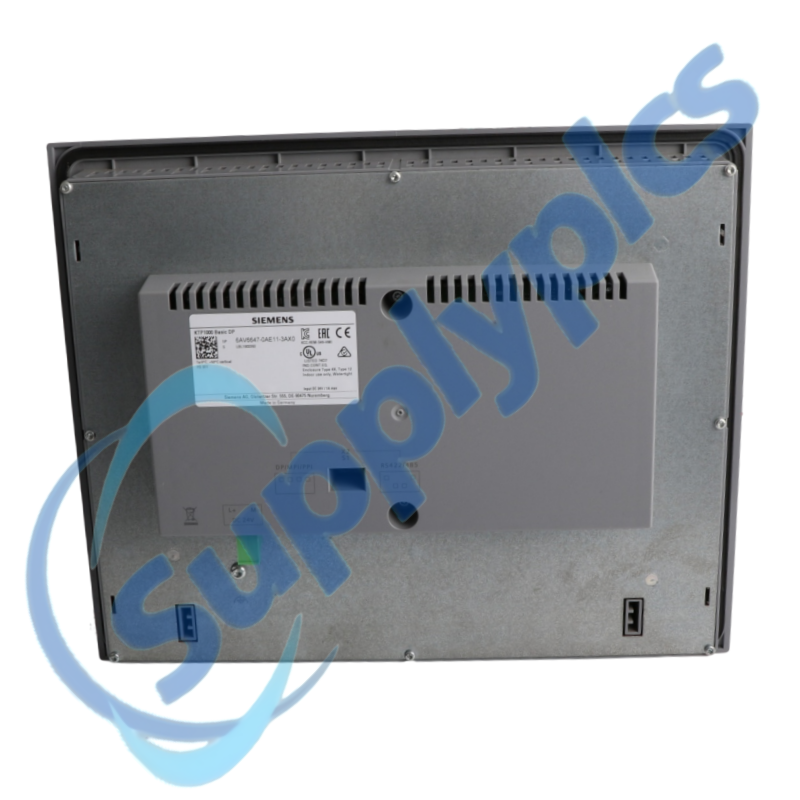
Read the complete order number and confirm that the installed panel is the DP variant, not a PROFINET model. Compare the 10.4-inch cutout, supply connector, MPI/PROFIBUS wiring, controller family and original WinCC project before ordering.
Q2
What should I back up before removing 6AV6647-0AE11-3AX0 from a machine?
Secure the editable HMI project, the current runtime transfer file where available, controller and panel addresses, alarm settings, recipes and user data permitted by the application. Photograph the terminal assignments and record the engineering-software version before powering down.
Q3
Why can 6AV6647-0AE11-3AX0 power up but fail to communicate with the PLC?
Check the MPI/PROFIBUS cable, connector termination, panel address, controller address and configured baud rate. Then compare the HMI connection object and driver selection with the saved project before changing the PLC or replacing the panel again.
Q4
What should I inspect if the touch or function keys on 6AV6647-0AE11-3AX0 respond intermittently?
Clean and inspect the front surface, check cabinet temperature and grounding, and verify the 24 V DC supply under load. Compare touch calibration and key assignments with the project, then document whether the fault follows vibration, heat or a specific screen.
Q5
How should I handle a blank display on 6AV6647-0AE11-3AX0 when the machine still runs?
Verify the supply voltage at the panel terminals, connector seating and visible status during startup. Check whether the panel is in transfer mode or has a backlight problem, preserve the PLC state and project backup, and avoid repeated power cycling until the supply and alarm history are documented.
Q6
What should procurement include when requesting 6AV6647-0AE11-3AX0 for a migration or spare?
Provide the full order number, front and rear photographs, panel cutout, current controller family, bus type and WinCC project version. State whether the request is for an exact spare or a migration so cable, software and mechanical changes can be reviewed before quotation.

Other Products

XF830A
SDI-OE-S
NA200T IZMX-RP16A-200
LFI520
4100LR12
SC200-00
SCD2200-RTU PS-22
IC200MDD844F
IC200MDL650L
ABB 1SDH001000R0505-B0821
BS6151 01 SP01
ZBRN2
FGR-002
AMAX-2241
8530D-I
THS710
105S-1
SC42-EP08
AMAX-2241/PMA
ADAP-KOOL
eWONx005CD
CH-LMD1
SP-0108-H2
ABB 2CDG110137R0011
IMD-IM20 / IM20DEMO
Abb 3BSE038226R1
SWH-4200
ABE7 P16T334
81672-01
LP/ 557-180-203

Get a Free Quote

Our representative will contact you soon.
Email
Name
Mobile
Company Name
Message
0/1000

Get a Free Quote

Our representative will contact you soon.
Email
Name
Mobile
Company Name
Message
0/1000