Get a Free Quote

Our representative will contact you soon.
Email
Name
Mobile
Company Name
Message
0/1000
siemens 6es7131 1bh12 0xb0 simatic et 200l 16 channel digital input block-0

SIEMENS

Home >  Products >  SIEMENS

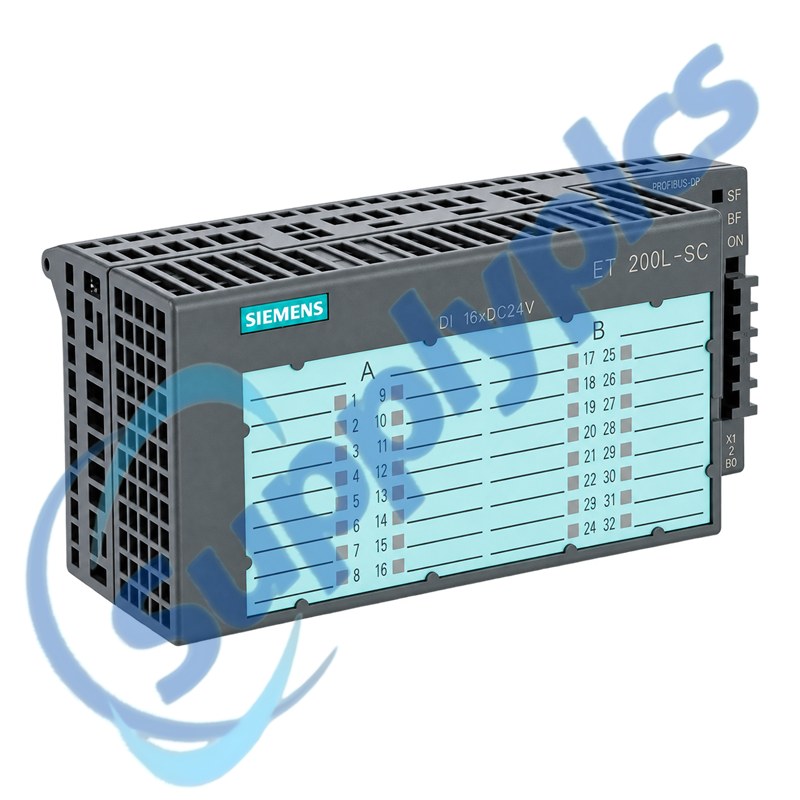
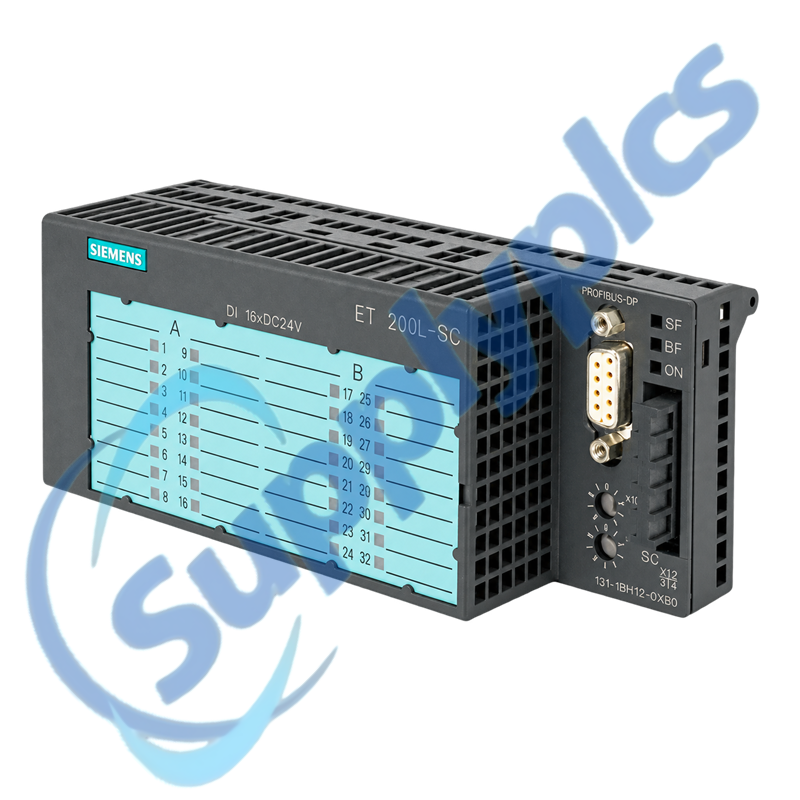
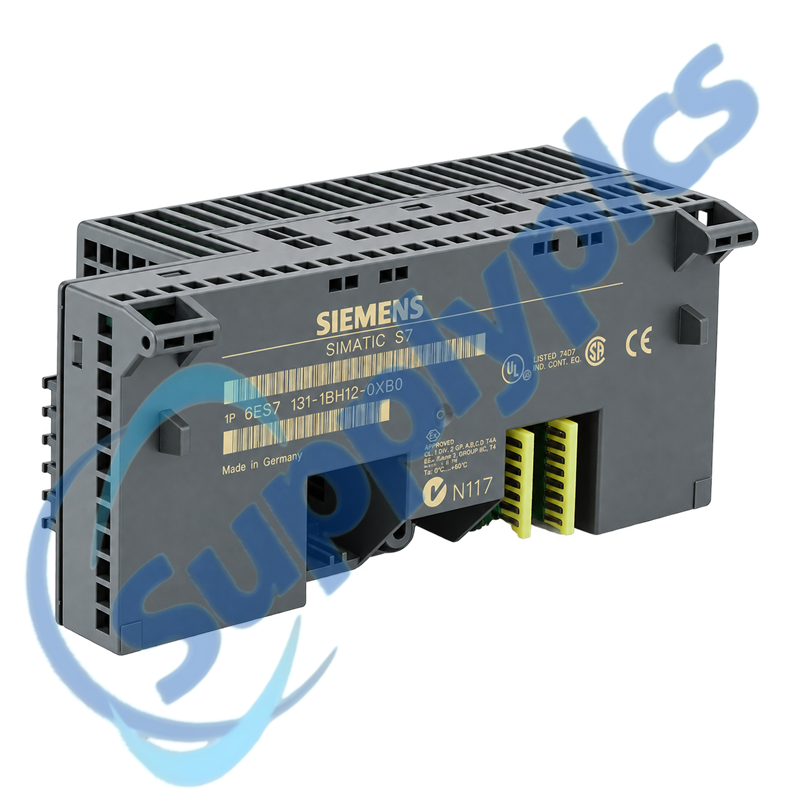
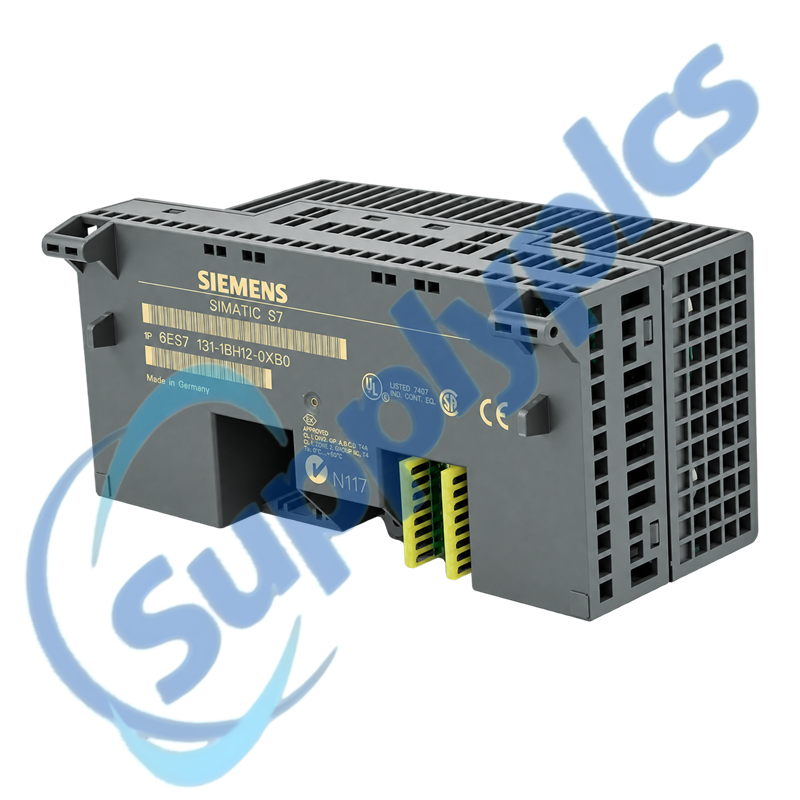
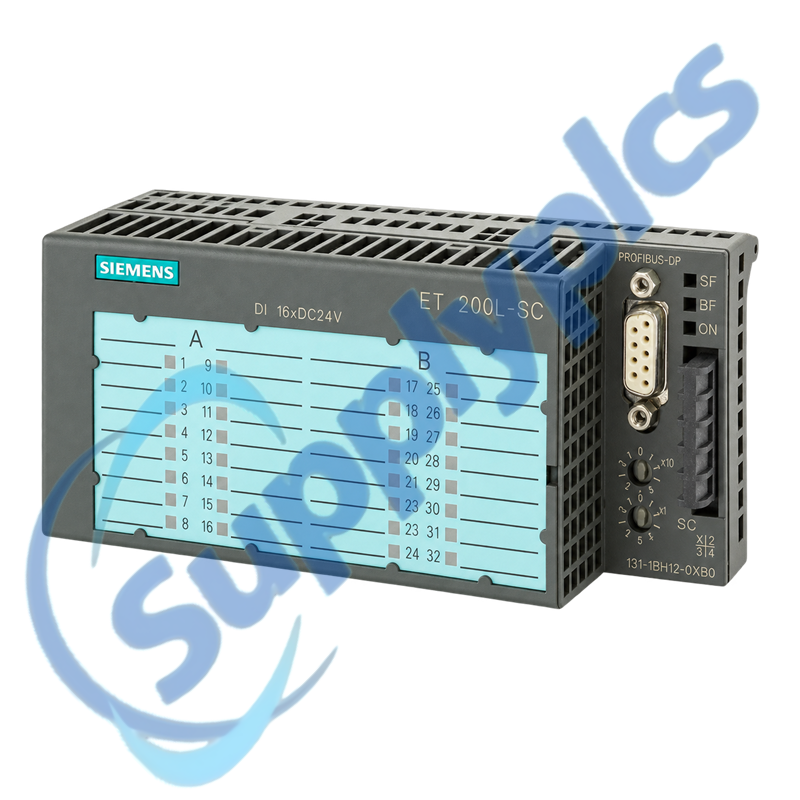
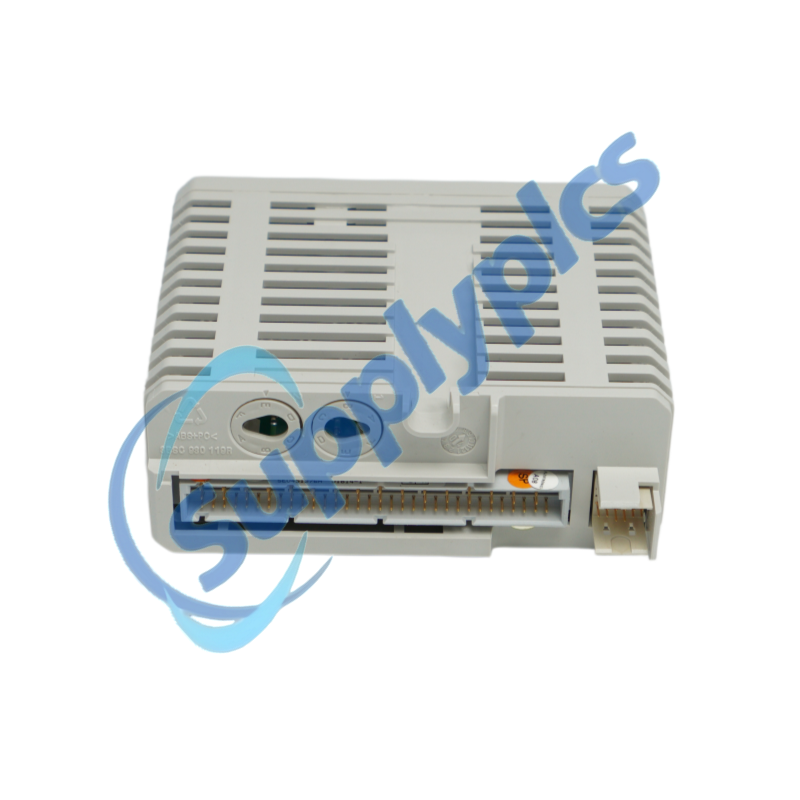
Siemens 6ES7131-1BH12-0XB0 SIMATIC ET 200L 16-Channel Digital Input Block

Product Name: SIMATIC ET 200L 16-Channel Digital Input Block
Brand Name: Siemens
Model Number: 6ES7131-1BH12-0XB0
Place of Origin: Germany
Warranty: 12 Months
Whatsapp: +86 18020776782
  • Overview
  • Contact info
  • Specifications
  • Description
  • I/O Replacement Checks
  • Commercial Term
  • About Company
  • FAQ
  • Other Products
  • Recommended Products
AT A GLANCE
Distributed 24 V DC Input Acquisition for ET 200L

Siemens 6ES7131-1BH12-0XB0 is a SIMATIC DP electronic block for the ET 200L distributed I/O system. It provides 16 digital inputs at 24 V DC and supports Smart Connect expansion with the appropriate terminal block.

Selection checkpoint: Confirm the ET 200L station type, PROFIBUS address, terminal-block arrangement, field-supply groups and channel map before replacement.

Contact info

Specifications

Product type designation
ET 200L digital electronic block
Article number
6ES7131-1BH12-0XB0
Distributed I/O family
SIMATIC ET 200L
Number of digital inputs
16
Rated input voltage
24 V DC
Signal 0 range
-30 V to +5 V
Signal 1 range
+13 V to +30 V
Input current for signal 1
Typically 5 mA
Standard input delay
2 ms to 4.5 ms
PROFIBUS DP rate
Up to 1.5 Mbit/s
Smart Connect expansion
Up to 16 additional channels with TB 16SC
Diagnostics
Bus fault, input status and 24 V supply indication

Description

The electronic block acquires sixteen 24 V DC field signals in an ET 200L station and reports their states over PROFIBUS DP. Siemens data-sheet content identifies diagnostic indication for the DP bus, input status and 24 V supply.
During service, keep the base wiring and expansion arrangement tied to the saved I/O map. A connector that fits mechanically is not enough; the channel assignment, load groups and Smart Connect terminal-block arrangement must match the installed machine.

I/O Replacement Checks

01
Station identity
Match the ET 200L station, module address and complete order number.
02
Field-power groups
Measure the 24 V DC load supplies and record the grouping used by the installed wiring.
03
Channel mapping
Export or photograph the I/O assignment so every field signal returns to the same channel.
04
Expansion boundary
Confirm whether a TB 16SC Smart Connect expansion is present and included in the project.

Commercial Term

Quotation
Current price and availability
Payment
T/T or agreed terms
Lead time
Confirmed with quotation
Shipping
DHL, FedEx, UPS or agreed freight
Warranty
12 months

About Company

Exact-model review
We review the full order number and installed-system context before quotation.
Condition coordination
Availability and product condition are confirmed for the requested unit.
Global delivery support
Shipping options and available official documentation are coordinated with the destination.

FAQ

Q1
How should I confirm that 6ES7131-1BH12-0XB0 matches my installed ET 200L station?
Verify the full order number, station type, PROFIBUS address and sixteen-channel I/O map. Record the terminal-block and Smart Connect arrangement, then compare the field-supply grouping and connector keying before ordering or disconnecting the installed block.
Q2
What should I check if one group of inputs on 6ES7131-1BH12-0XB0 is inactive?
Measure the relevant 24 V DC load supply at the terminal block under load, confirm the common reference and inspect the connector seating. Compare the inactive channels with the saved wiring map and use the input-status LEDs to separate field-circuit loss from bus or module faults.
Q3
Why can signals flicker after replacing 6ES7131-1BH12-0XB0?
Check supply stability, sensor leakage current, common wiring, shield routing and loose terminals. Compare the field signal voltage with the module signal thresholds and confirm that the channel wiring and input-delay behavior match the original installation.
Q4
How do I respond to a PROFIBUS bus-fault indication on 6ES7131-1BH12-0XB0?
Verify the station address, bus connector, termination and master configuration before changing the I/O hardware. Confirm that the expected module and expansion channel count are configured, then inspect the upstream and downstream bus segment for connector or shield faults.
Q5
What must be reviewed before adding Smart Connect channels to 6ES7131-1BH12-0XB0?
Confirm the approved TB 16SC arrangement, available field power and the intended digital or analog expansion. Update the station configuration and I/O map before wiring, then commission one signal group at a time so address shifts cannot reach the running process.
Q6
What information should procurement send with a request for 6ES7131-1BH12-0XB0?
Send the complete order number, ET 200L station identification, terminal-block and expansion details, PROFIBUS address and clear front and connector photographs. Include the required condition, delivery destination and whether matching terminal hardware is part of the request.

Other Products

XF830A
SDI-OE-S
NA200T IZMX-RP16A-200
LFI520
4100LR12
SC200-00
SCD2200-RTU PS-22
IC200MDD844F
IC200MDL650L
ABB 1SDH001000R0505-B0821
BS6151 01 SP01
ZBRN2
FGR-002
AMAX-2241
8530D-I
THS710
105S-1
SC42-EP08
AMAX-2241/PMA
ADAP-KOOL
eWONx005CD
CH-LMD1
SP-0108-H2
ABB 2CDG110137R0011
IMD-IM20 / IM20DEMO
Abb 3BSE038226R1
SWH-4200
ABE7 P16T334
81672-01
LP/ 557-180-203

Get a Free Quote

Our representative will contact you soon.
Email
Name
Mobile
Company Name
Message
0/1000

Get a Free Quote

Our representative will contact you soon.
Email
Name
Mobile
Company Name
Message
0/1000