Vertical CNC operator and control platform for SINUMERIK 828D machines
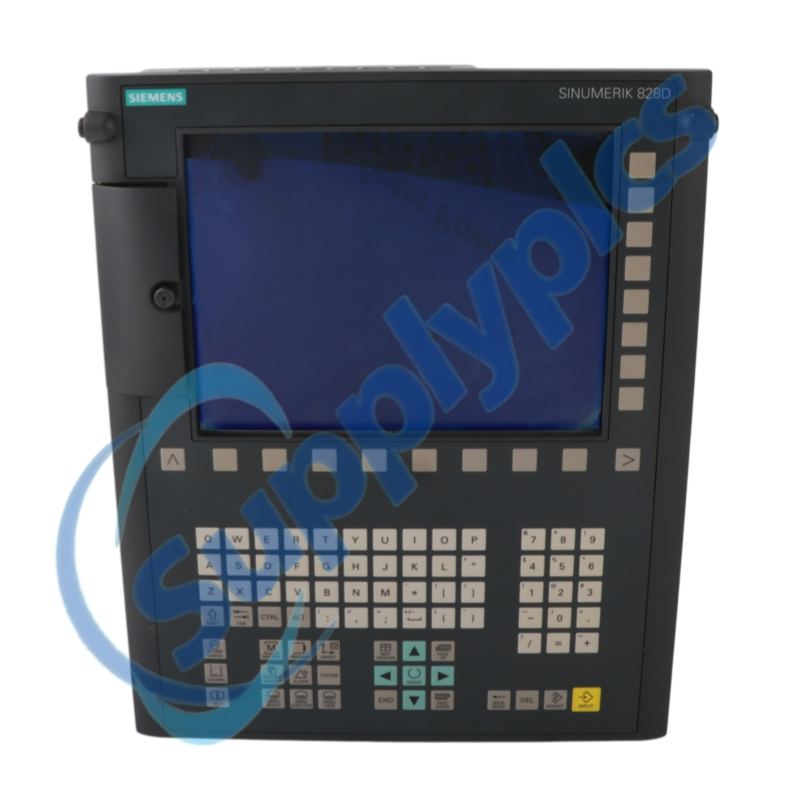
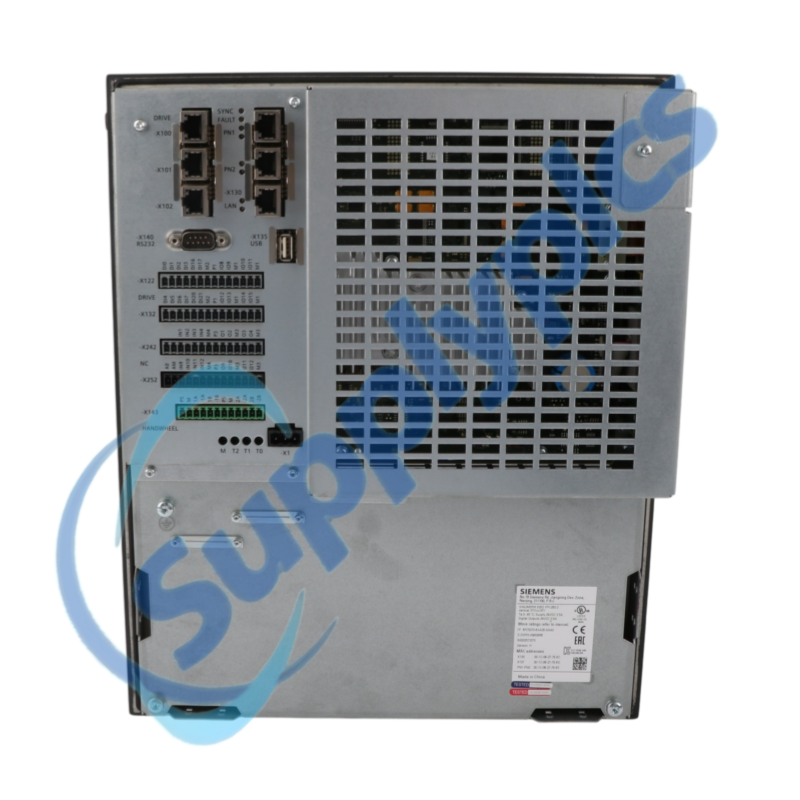
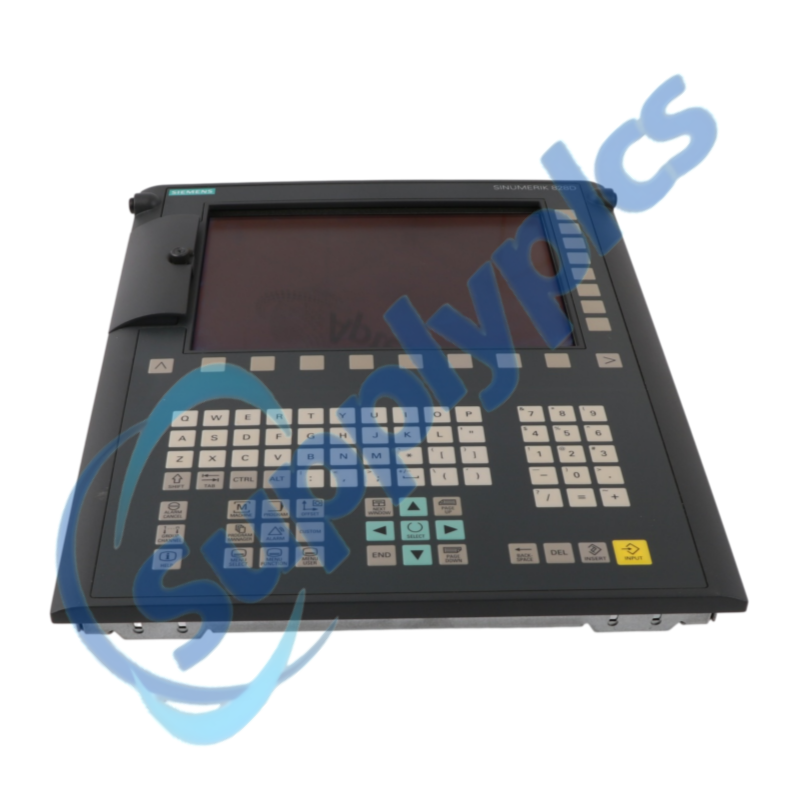
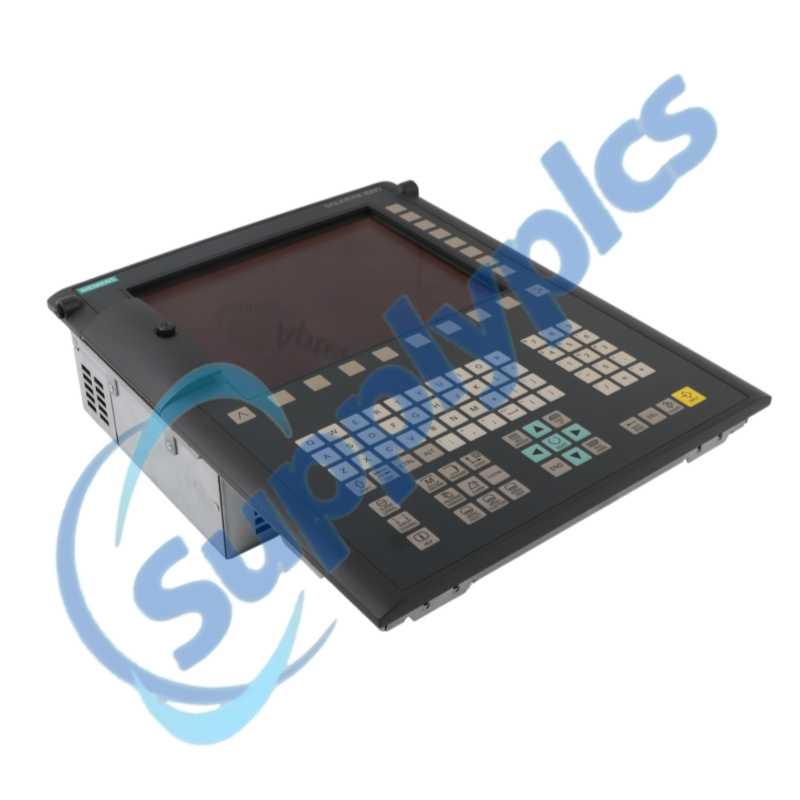
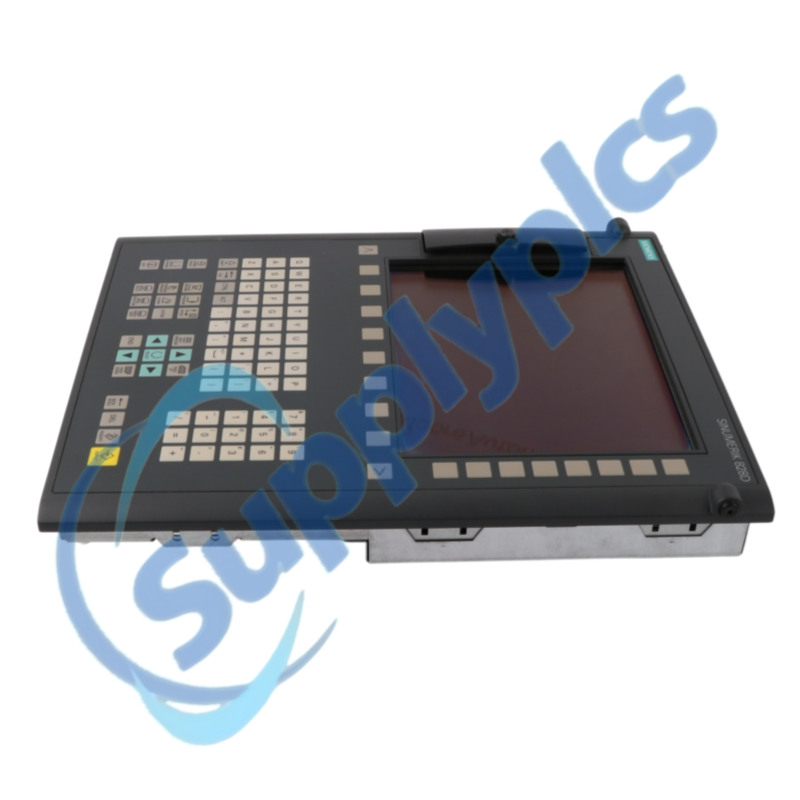
Siemens 6FC5370-8AA20-0AA0 is the SINUMERIK 828D PPU 280.2 in a vertical operator-panel arrangement for CNC machine applications and approved SINAMICS S120 Combi configurations.
Verify first: Do not treat a similar PPU as a direct substitute. Verify orientation, machine option package, commissioning archive, drive topology, software level and licenses.
Description
The PPU 280.2 combines CNC control hardware and operator access in a vertical panel format. Siemens documents the exact order number for SINUMERIK 828D systems used with the S120 Combi drive platform.
Restoring a machine requires the validated commissioning archive, PLC and CNC data, drive topology and licensed options. Preserve the complete software state before disconnecting the original PPU.
CNC Recovery Workflow
01Create an archive
Verify a complete CNC, PLC, drive and HMI commissioning backup.
02Record the topology
Capture DRIVE-CLiQ, PROFINET and machine I/O connections.
03Confirm licenses
List software versions, option licenses and machine-builder data.
04Restore methodically
Commission in a safe service state and resolve alarms before motion.
We review the complete order number and installed-system context before quotation.
Condition coordination
Availability and product condition are confirmed for the requested unit.
Global delivery support
Shipping options and available official documentation are coordinated with the destination.
FAQ
Q1
How should I verify that 6FC5370-8AA20-0AA0 matches the installed system before purchase?
Compare the full PPU order number, vertical mounting arrangement, machine type, CNC software, SINAMICS topology and licensed options. Siemens documentation shows that superficially similar predecessor hardware should not be assumed compatible.
Q2
What should I back up before replacing 6FC5370-8AA20-0AA0 in a working machine?
Create and test a complete commissioning archive containing CNC, PLC, drive, tool, offset, machine and network data. Record all software versions and licenses, and confirm the archive can be read before disconnecting the original PPU.
Q3
What should I check if 6FC5370-8AA20-0AA0 powers up but does not become operational?
Review CNC, PLC and drive alarms, verify the 24 V DC supply under load, and check DRIVE-CLiQ, PROFINET and machine I/O connections. Compare the restored archive and option set with the original configuration before changing hardware.
Q4
How should I troubleshoot a communication or interface problem after installing 6FC5370-8AA20-0AA0?
Confirm cable seating and shielding, device names and addresses, drive topology, firmware compatibility and the transferred commissioning archive. Perform testing only in the machine builder's safe service state.
Q5
What should I inspect when 6FC5370-8AA20-0AA0 develops an intermittent fault?
Check supply stability, protective earth, cabinet temperature, front-panel sealing and all internal and external connectors. Correlate the symptom with heat, vibration and the CNC/drive alarm history.
Q6
Which details should I provide when requesting a quotation for 6FC5370-8AA20-0AA0?
Send the exact PPU nameplate, machine builder and type, mounting orientation, CNC and drive software versions, license list and archive status. Include the observed fault, destination and required condition.

 EN
EN