Preserve PC-to-automation communication during an interface-card exchange
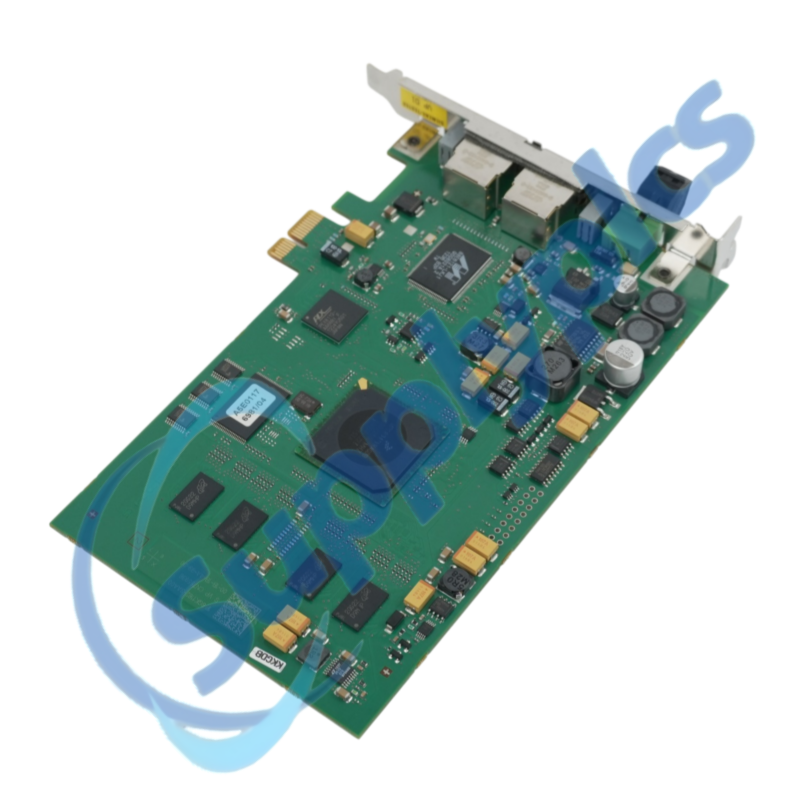
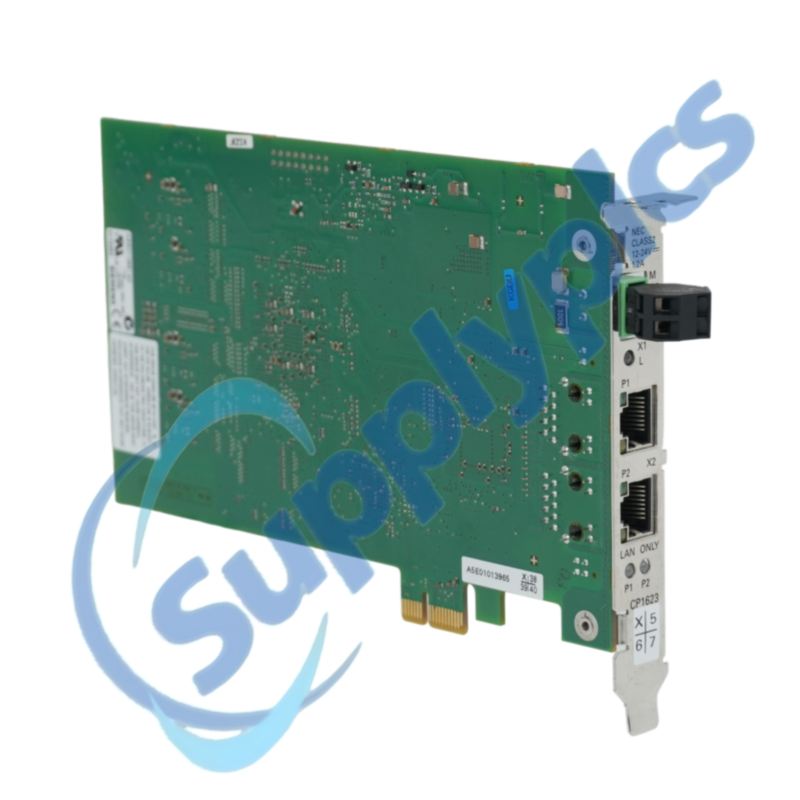
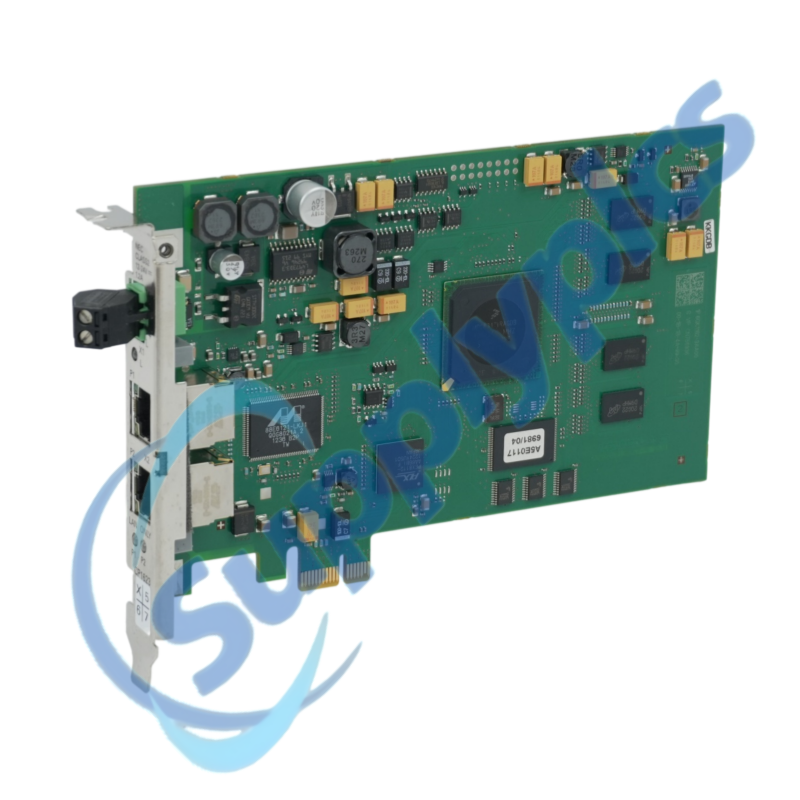
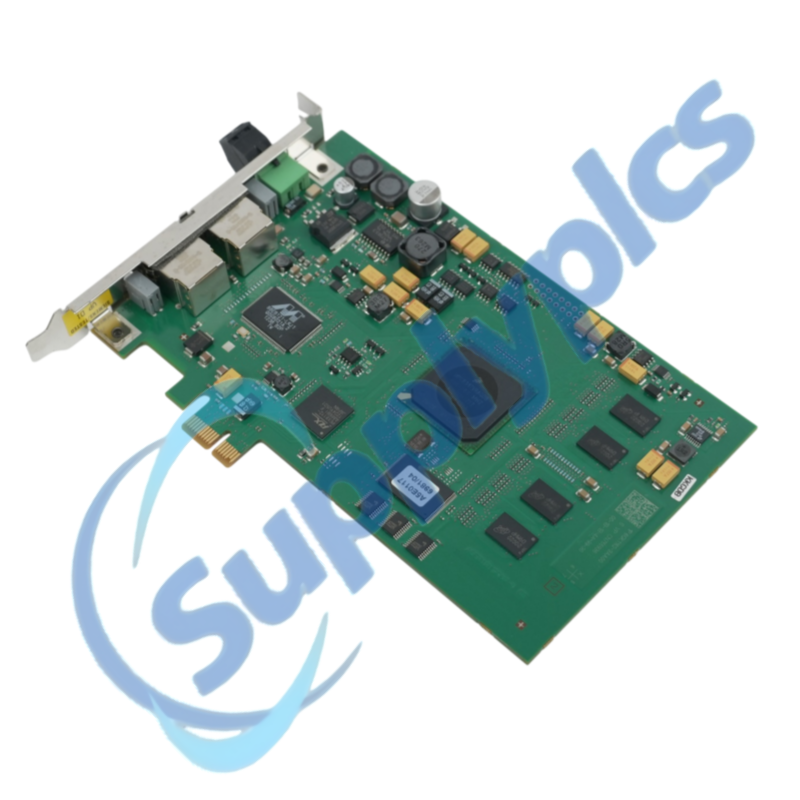
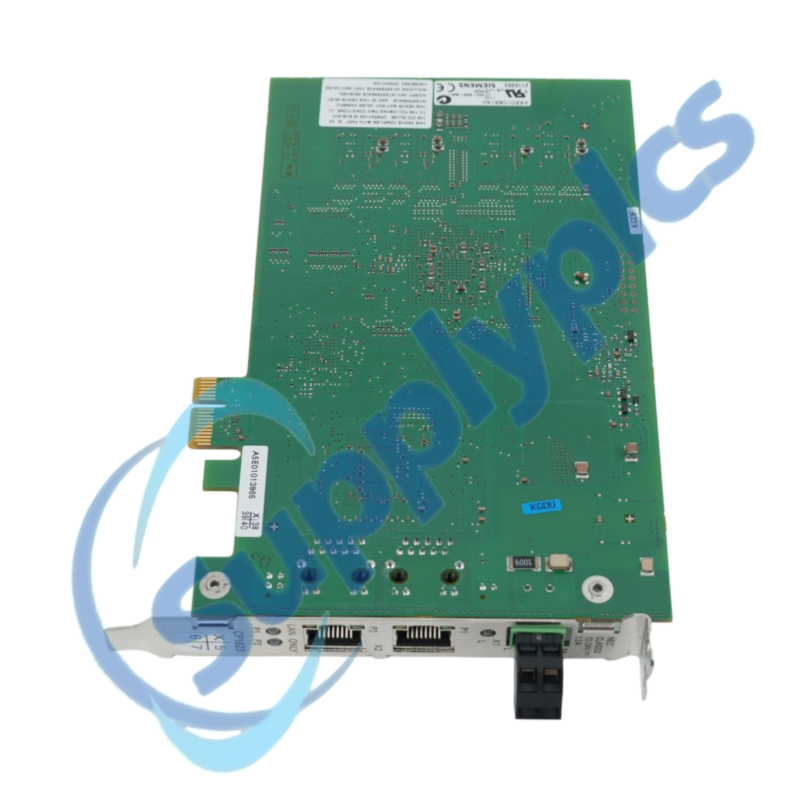
A PCI Express x1 processor for 10/100/1000 Mbit/s Industrial Ethernet with an integrated two-port RJ45 switch.
Verify first: Verify the PCIe slot, SIMATIC NET software release, driver and HARDNET-IE S7 or S7-REDCONNECT application.
Description
The CP 1623 links an industrial PC to Siemens Industrial Ethernet. Siemens identifies a PCI Express x1 interface, dual RJ45 ports and support in the SIMATIC NET software environment.
Document the driver, communication package, redundancy application, network settings and project files before removing the card. Hardware alone cannot restore the PC configuration.
SupplyPLCs coordinates exact-model sourcing, condition checks and global delivery for industrial automation spares. Share the complete order number, installed-system context and destination so the quotation reflects the actual application.
FAQ
Q1How should I check whether 6GK1162-3AA00 works with my industrial PC?
Confirm PCI Express x1, host power and the Siemens-released OS and SIMATIC NET combination.
Q2What should I back up before replacing 6GK1162-3AA00?
Record the driver, SIMATIC NET version, network settings, S7 connections, redundancy configuration and licenses.
Q3What if the PC does not detect 6GK1162-3AA00 after installation?
Power down, verify seating and slot health, then check OS device detection and the approved Siemens driver.
Q4Why might 6GK1162-3AA00 show link but no S7 communication?
Inspect IP settings, correct port, firewall policy, SIMATIC NET connections and controller state. Use diagnostics to locate the failed layer.
Q5How can I investigate intermittent communication through 6GK1162-3AA00?
Check port errors, cable, PC power and temperature, and redundancy switchover events. Correlate PC and PLC logs.
Q6What should purchasing send for 6GK1162-3AA00?
Provide the order number, PC model, OS, SIMATIC NET release, application, condition and destination.

 EN
EN