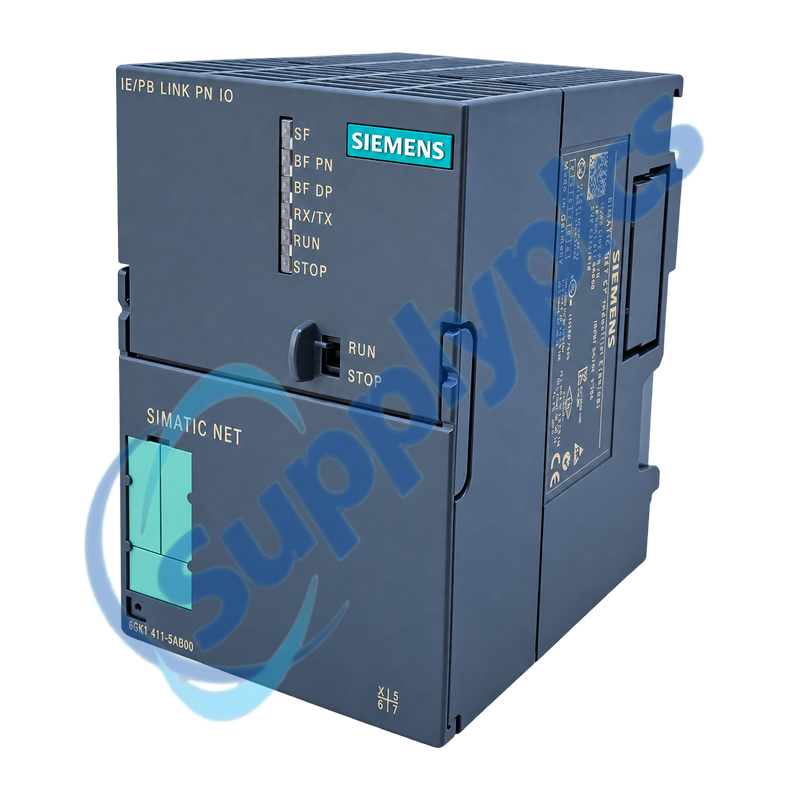
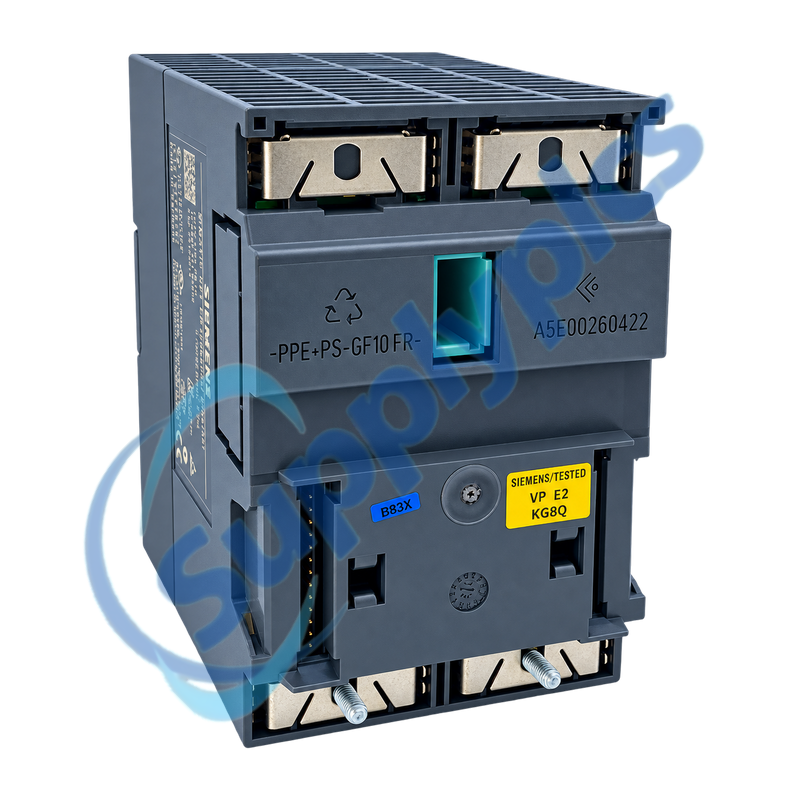
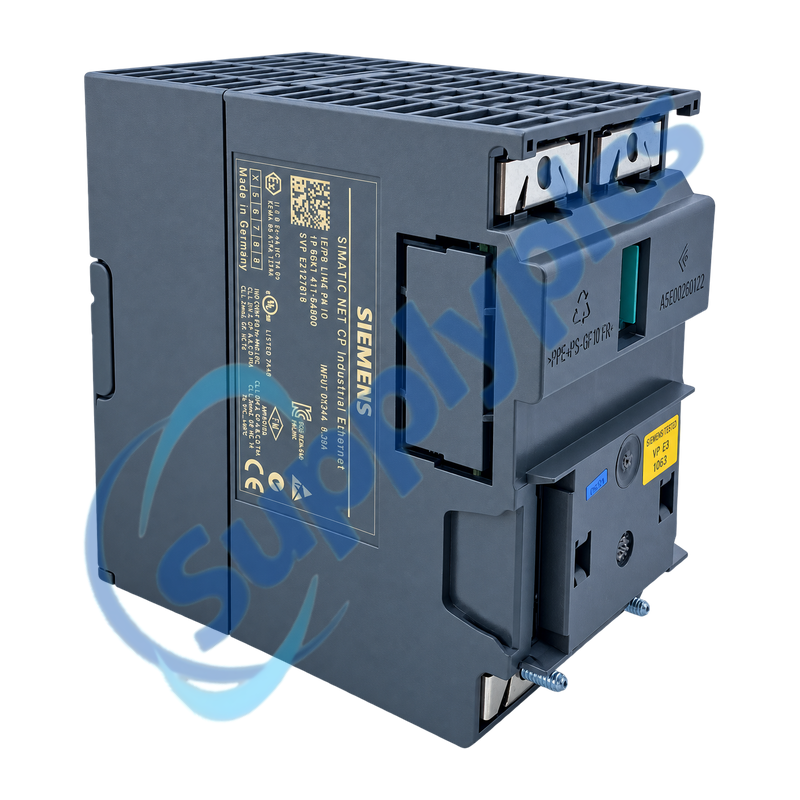
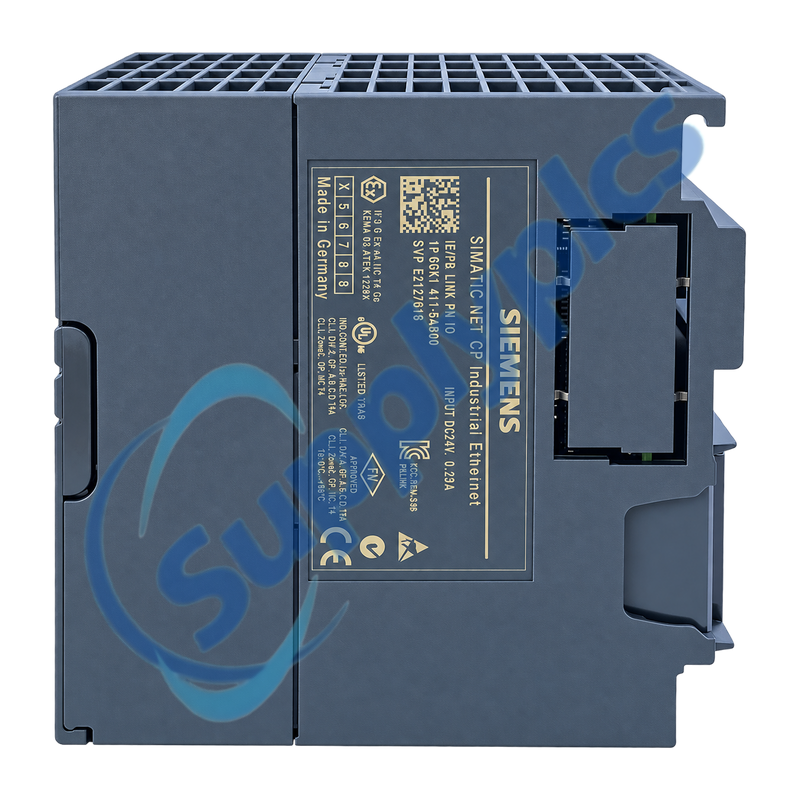
Industrial Ethernet to PROFIBUS gateway with PROFINET IO proxy operation
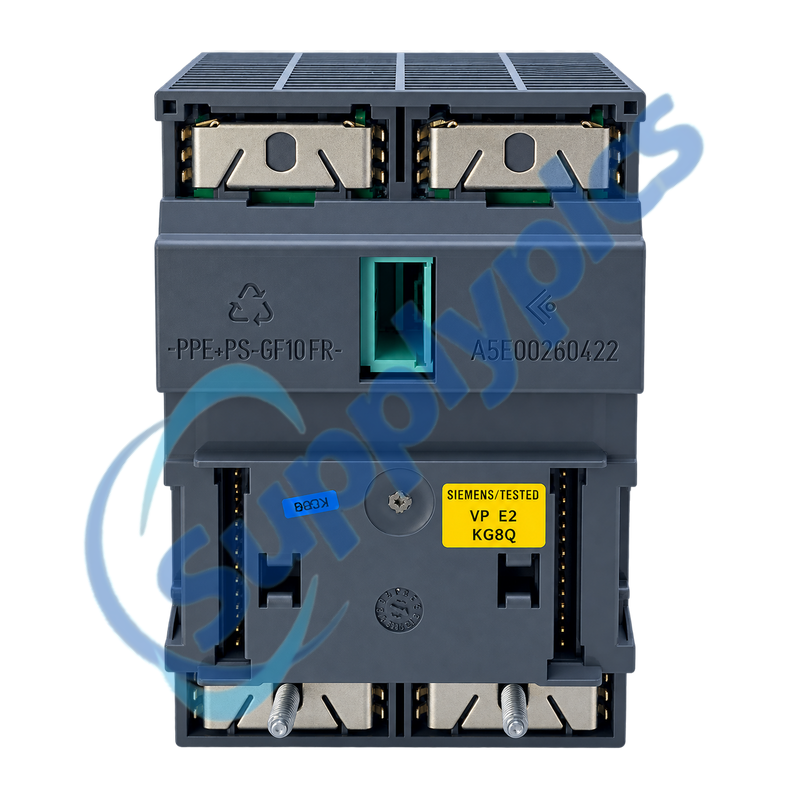
The IE/PB Link PN IO connects Industrial Ethernet with a subordinate PROFIBUS network. It can operate as a PROFINET IO proxy or as a standard gateway and stores project data in internal flash memory or an optional C-PLUG.
Version and project check: Match the full 6GK1411-5AB00 order number, firmware, configured operating mode, STEP 7 hardware entry, Ethernet device name and IP parameters, PROFIBUS address and rate, DP slave list and C-PLUG contents before approving a spare or successor.
Gateway Setup
6GK1411-5AB00 is the legacy SIMATIC NET IE/PB Link PN IO gateway. Its Ethernet side supports 10/100 Mbit/s communication, while the PROFIBUS side operates from 9.6 kbit/s to 12 Mbit/s and acts as the DP master for the subordinate field network.
Replacement depends on more than the external connectors. The configured gateway mode, device name, IP and PROFIBUS settings, firmware capabilities and C-PLUG data determine whether the link starts correctly and whether all DP slaves return to cyclic operation.
The Ethernet and PROFIBUS sides must be restored as one engineered gateway.
PROFINET identity
Record the device name, IP parameters, controller assignment and configured proxy role before the old gateway is removed.
PROFIBUS segment
Preserve the DP master address, baud rate, slave order, termination and the first and last physical device on the segment.
Operating mode
Document whether the unit is a PROFINET IO device and gateway or a standard gateway; changing the mode requires a factory reset.
C-PLUG Recovery
Treat the C-PLUG as controlled configuration media rather than an interchangeable blank accessory.
Power-off handling
Insert or remove the C-PLUG only with supply power isolated and preserve its orientation and source device.
Validity check
An invalid or incorrectly formatted C-PLUG can leave the gateway in STOP with error; verify data ownership before transfer.
Diagnostic sequence
Use BF PN, BF DP, SF, RUN and STOP together with NCM diagnostics to identify the failing network side before replacement.
How can I confirm that 6GK1411-5AB00 matches the installed IE/PB Link before purchase?
Photograph the complete order label and record the firmware, configured mode and C-PLUG use. Compare the STEP 7 hardware object, Ethernet device name and IP settings, PROFIBUS address and baud rate and the subordinate DP slave list.
Q2
What should be done with the C-PLUG when replacing 6GK1411-5AB00?
First confirm that the C-PLUG contains valid project data for this gateway. Isolate power before moving it, keep the source and destination documented and verify the startup result; an invalid plug can leave the replacement in STOP with error.
Q3
How should BF PN and BF DP indications be interpreted on 6GK1411-5AB00?
BF PN points to the PROFINET controller relationship, device name, Ethernet link or configuration distribution. BF DP points to the subordinate PROFIBUS project, physical segment or a missing slave. Read both with SF, RUN and STOP and review NCM diagnostics.
Q4
Why must 6GK1411-5AB00 be reset before changing from proxy operation to gateway-only operation?
The operating mode changes the stored configuration structure. Siemens requires a reset to factory settings before changing the configured mode, after which the correct STEP 7 project and network parameters must be downloaded again.
Q5
What should be checked if 6GK1411-5AB00 has Ethernet link but no cyclic data from PROFIBUS devices?
Confirm that the device name and controller assignment are correct, then check the DP master address, rate, termination and slave configuration. Use BF DP and diagnostics to find the first nonparticipating slave instead of changing Ethernet settings blindly.
Q6
Can 6GK1411-5AB00 connect two existing PROFIBUS masters without additional hardware?
Do not treat this gateway as a transparent master-to-master coupler. Its PROFIBUS interface operates as the master for subordinate DP slaves; a system that must exchange data between two masters needs a separately engineered coupling solution.

 EN