Get a Free Quote

Our representative will contact you soon.
Email
Name
Mobile
Company Name
Message
0/1000
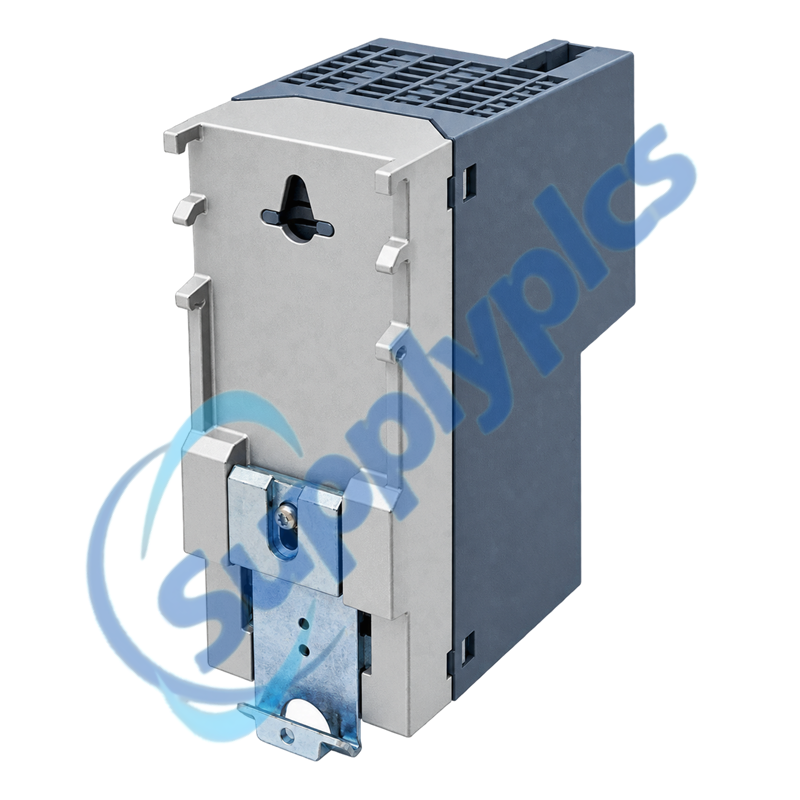
siemens 6gk5206 2gs00 2ac2 scalance xc206 2sfp g managed switch-0

SIEMENS

Home >  Products >  SIEMENS

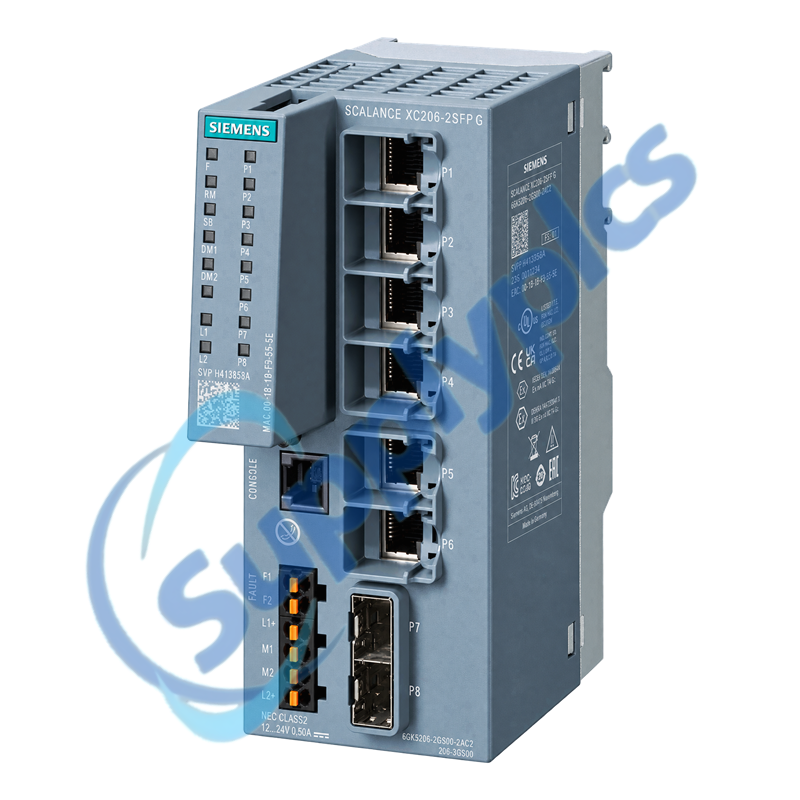
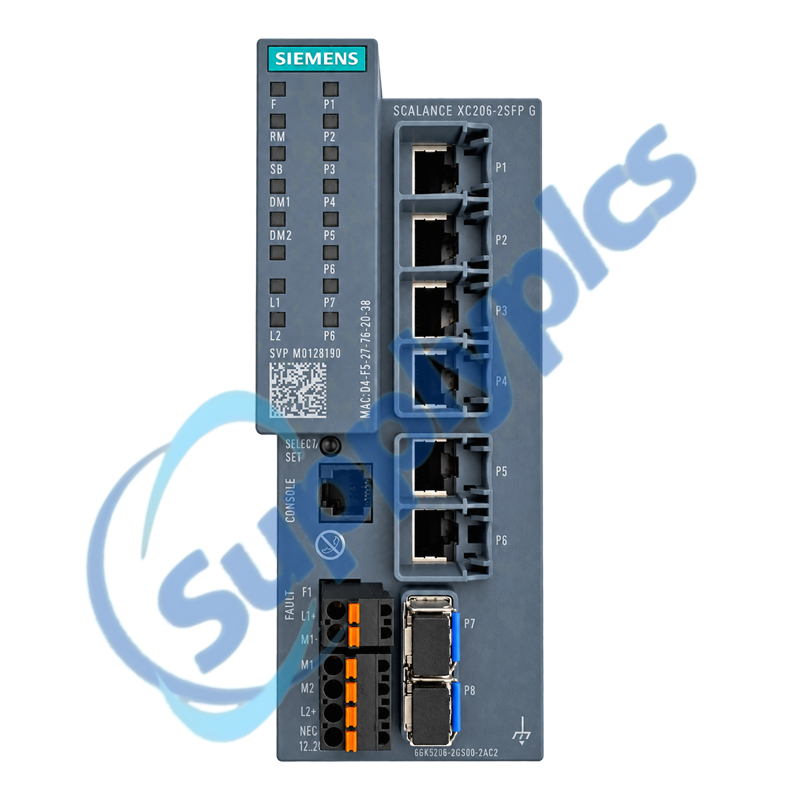
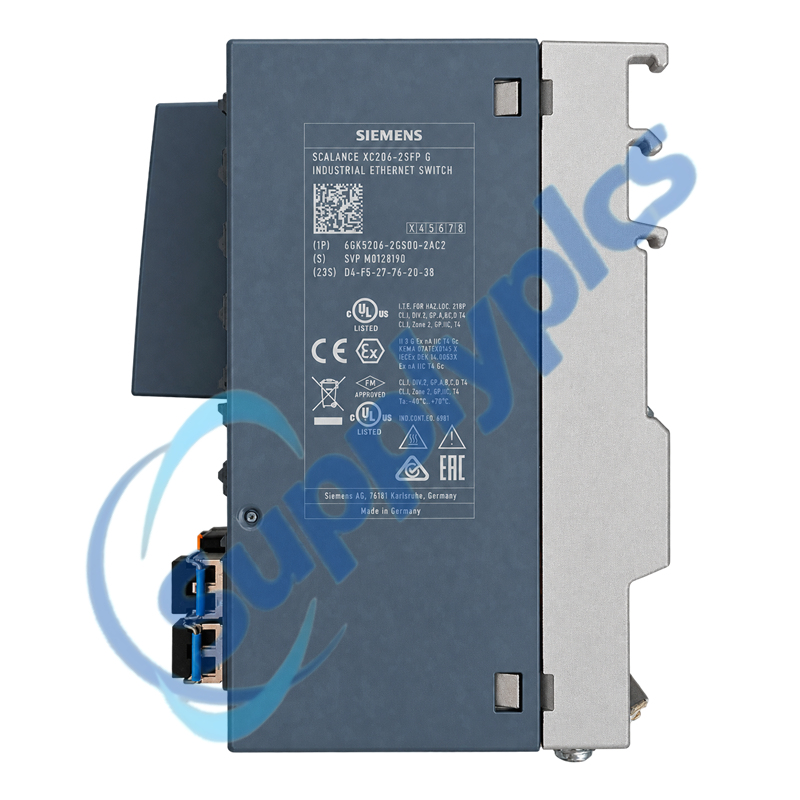
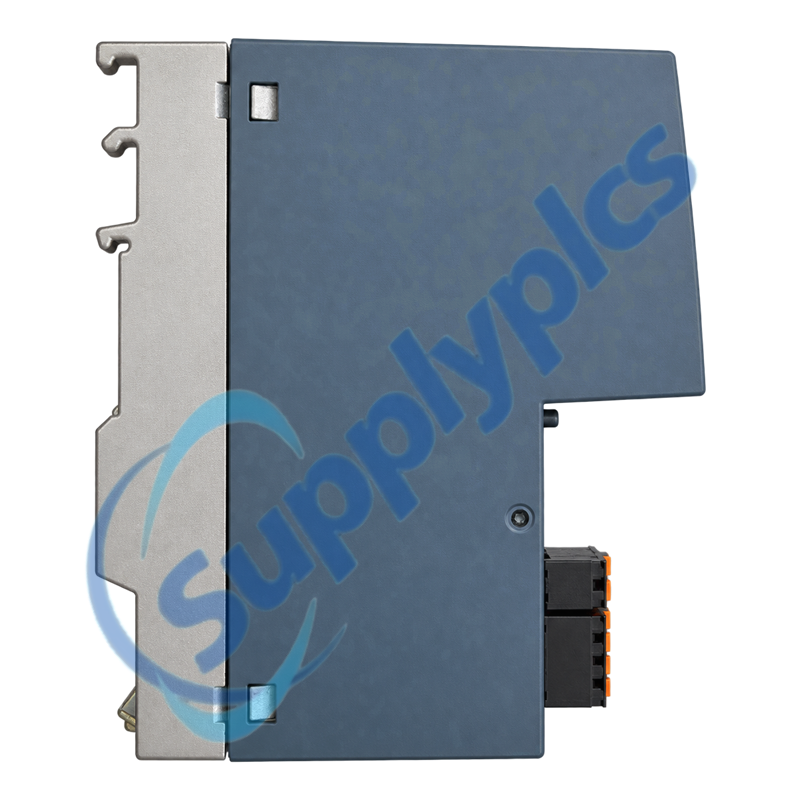
Siemens 6GK5206-2GS00-2AC2 SCALANCE XC206-2SFP G Managed Switch

Product Name: SCALANCE XC206-2SFP G Managed Switch
Brand Name: Siemens
Model Number: 6GK5206-2GS00-2AC2
Place of Origin: Germany
Warranty: 12 Months
Whatsapp: +86 18020776782
Appurtenance:
  • Overview
  • Network Fit
  • Description
  • Diagnostics
  • Specifications
  • Commercial Term
  • Contact info
  • FAQ
  • Other Products
  • Recommended Products
Gigabit managed Layer 2 switch with six RJ45 ports and two SFP uplinks
The Siemens SCALANCE XC206-2SFP G combines six 10/100/1000 Mbit/s RJ45 ports with two 1000 Mbit/s SFP slots, redundant 24 V DC power, PROFINET IO and EtherNet/IP integration, managed redundancy and IEEE 1588v2 PTP.
Before you order: Confirm the exact article number, installed SFP types, fiber medium, port map, PROFINET device identity, IP settings, VLAN and redundancy configuration, C-PLUG state and both 24 V feeds before replacement.

Network Fit

Match the installed media, device identity and managed feature set before treating the switch as a like-for-like spare.
SFP path
Record each SFP article, wavelength, fiber type, partner port and link distance; an SFP slot alone does not guarantee optical compatibility.
Device identity
Back up the PROFINET name, IP address, VLANs, port roles, redundancy settings and management access before removal.
Timing role
Document any IEEE 1588v2 PTP function and confirm that the replacement rejoins the same timing domain after commissioning.

Description

6GK5206-2GS00-2AC2 is a compact SCALANCE XC managed switch for industrial cabinet and distributed-network use. Siemens specifies DIN rail, S7 rail and wall mounting, an operating range from -40 to +70 degrees C and an IEC 62443-4-2 certified product platform.
A successful replacement requires the network configuration as well as matching hardware. Export the managed settings, label all eight data links, record SFP and partner-port information, and verify the configured PROFINET, redundancy and timing roles before moving any cable.

Diagnostics

Use port status and managed diagnostics to separate fiber, partner-device and configuration faults from switch hardware faults.
Optical link
Verify approved SFPs, clean fiber ends, correct transmit-to-receive routing and compatible partner settings before replacing the switch.
Power path
Measure both 24 V inputs at the terminal under load and confirm that a single-feed test does not restart the switch.
Recovery test
During an approved window, interrupt one redundant path and confirm the expected RSTP or ring-recovery behavior and alarm reporting.

Specifications

Product type designation SCALANCE XC206-2SFP G
Order number 6GK5206-2GS00-2AC2
Copper interfaces 6 x RJ45, 10/100/1000 Mbit/s
Pluggable optical interfaces 2 x SFP, 1000 Mbit/s
Industrial protocols PROFINET IO and EtherNet/IP
Time synchronization IEEE 1588v2 PTP
Configuration storage C-PLUG slot
Supply voltage 24 V DC; 19.2 to 28.8 V
Redundant power input Supported
Operating temperature -40 to +70 degrees C
Degree of protection IP20
Dimensions and weight 60 x 147 x 125 mm; 0.52 kg

Commercial Term

Quotation
Current price and availability
Payment
T/T or agreed terms
Lead time
Confirmed with quotation
Shipping
DHL, FedEx, UPS or agreed freight
Warranty
12 months

Contact info

FAQ

Q1
Can 6GK5206-2GS00-2AC2 use any 1 Gbit/s SFP fitted into its two uplink slots?
No. Match the Siemens-supported SFP article, optical wavelength, fiber type, connector, link distance and partner interface. An unsupported or mismatched transceiver can remain dark even when it fits mechanically.
Q2
Why can the RJ45 ports of 6GK5206-2GS00-2AC2 pass traffic while the PROFINET controller still reports a missing device?
Normal Ethernet forwarding does not prove that the PROFINET identity is correct. Assign the saved device name and IP settings, confirm the controller project and port topology, then read the switch and controller diagnostics before changing the project.
Q3
What should I check when one SFP link on 6GK5206-2GS00-2AC2 stays down after replacement?
Confirm the exact SFP at both ends, clean and reseat the fiber, verify transmit-to-receive orientation and compare the local and partner port states. A one-way optical path or wrong wavelength should be isolated before any VLAN or redundancy setting is changed.
Q4
How should the C-PLUG be handled when replacing 6GK5206-2GS00-2AC2?
Export the configuration and record the installed C-PLUG status before power-down. Transfer it only under the approved Siemens procedure and with compatible target hardware and firmware, then verify device identity, port settings and redundancy instead of assuming every value was restored.
Q5
Why can 6GK5206-2GS00-2AC2 lose both network and PTP synchronization after only one uplink is moved?
The moved cable may carry both production traffic and the timing path. Compare the saved port map, VLAN membership and PTP role, then verify that every intervening device and port supports the required IEEE 1588v2 profile.
Q6
What proves that redundant power is working correctly on 6GK5206-2GS00-2AC2?
Measure each 24 V feed at the switch under load, verify polarity and terminal condition, then remove one approved feed at a time during a maintenance window. The switch must remain online and the expected power alarm must be visible.

Other Products

XF830A
SDI-OE-S
NA200T IZMX-RP16A-200
LFI520
4100LR12
SC200-00
SCD2200-RTU PS-22
IC200MDD844F
IC200MDL650L
ABB 1SDH001000R0505-B0821
BS6151 01 SP01
ZBRN2
FGR-002
AMAX-2241
8530D-I
THS710
105S-1
SC42-EP08
AMAX-2241/PMA
ADAP-KOOL
eWONx005CD
CH-LMD1
SP-0108-H2
ABB 2CDG110137R0011
IMD-IM20 / IM20DEMO
Abb 3BSE038226R1
SWH-4200
ABE7 P16T334
81672-01
LP/ 557-180-203

Get a Free Quote

Our representative will contact you soon.
Email
Name
Mobile
Company Name
Message
0/1000

Get a Free Quote

Our representative will contact you soon.
Email
Name
Mobile
Company Name
Message
0/1000