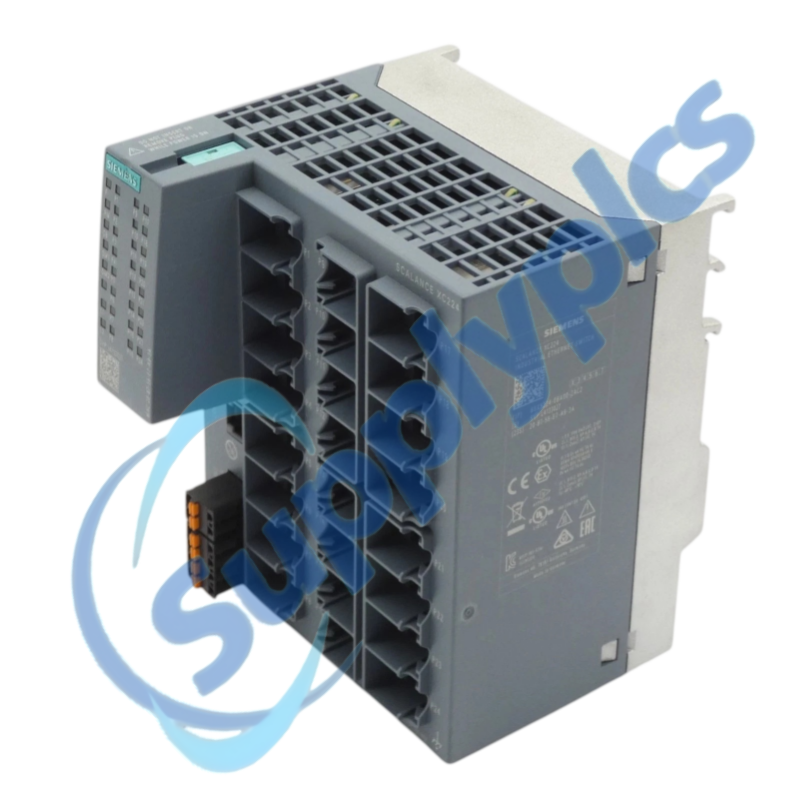
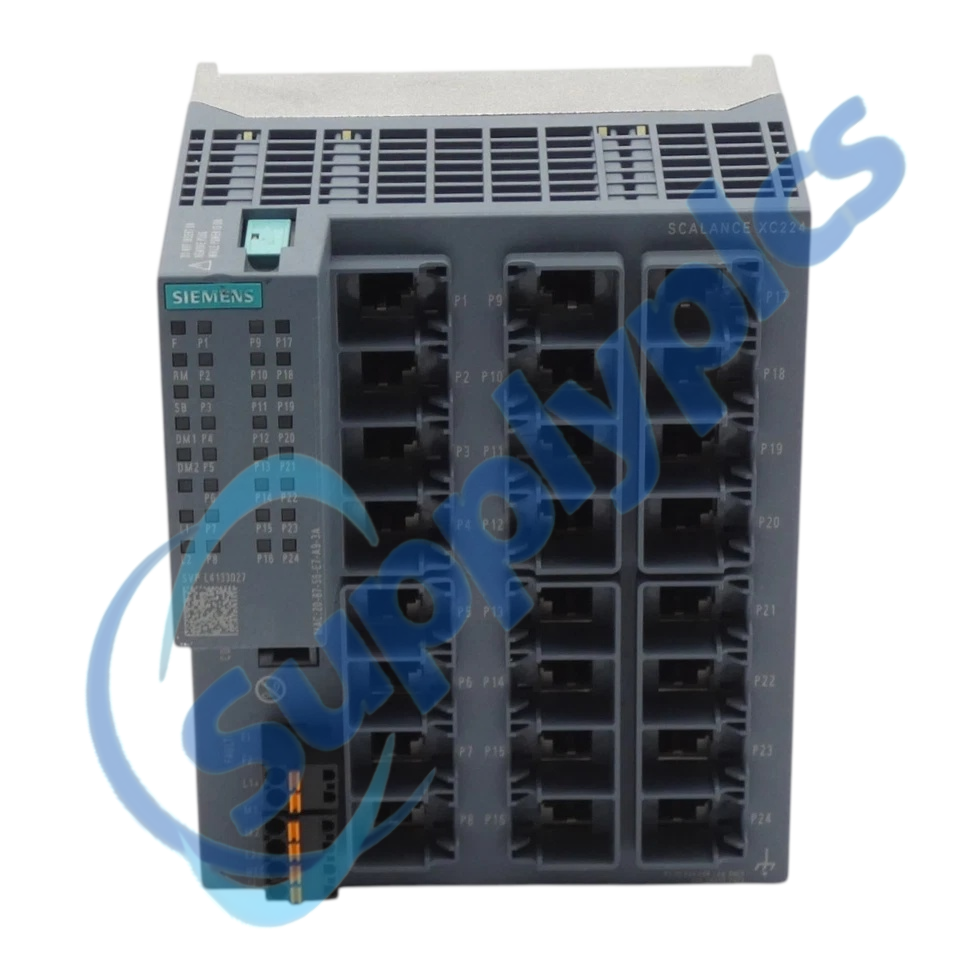
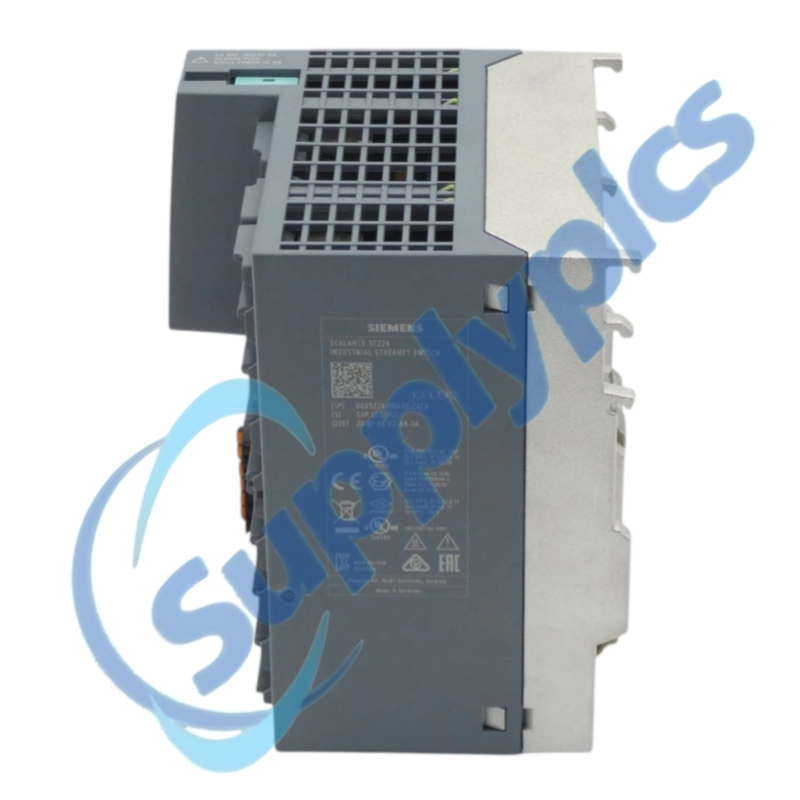
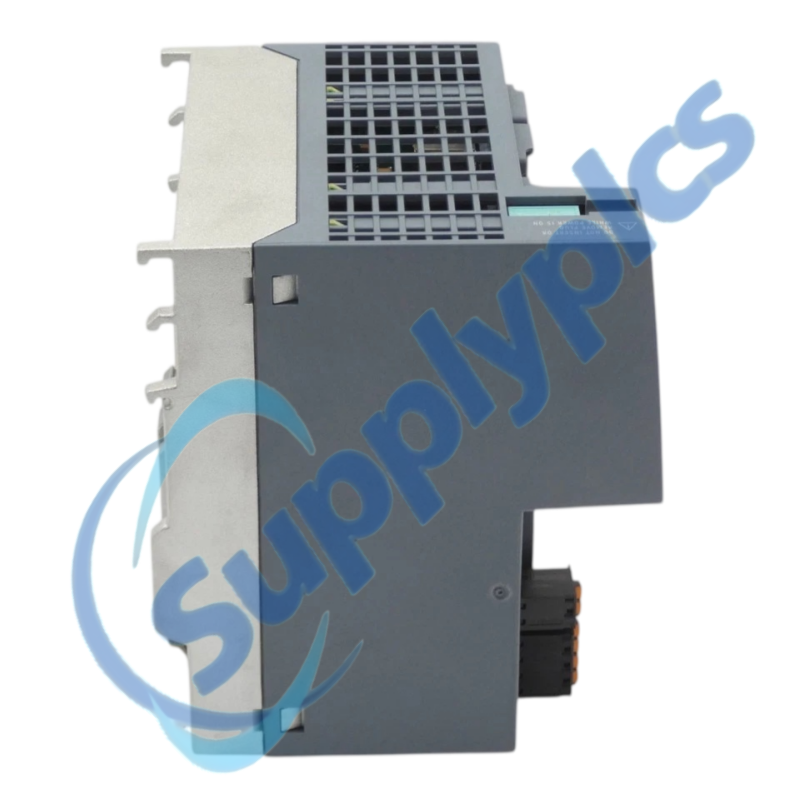
Managed 24-port switching for industrial network cells
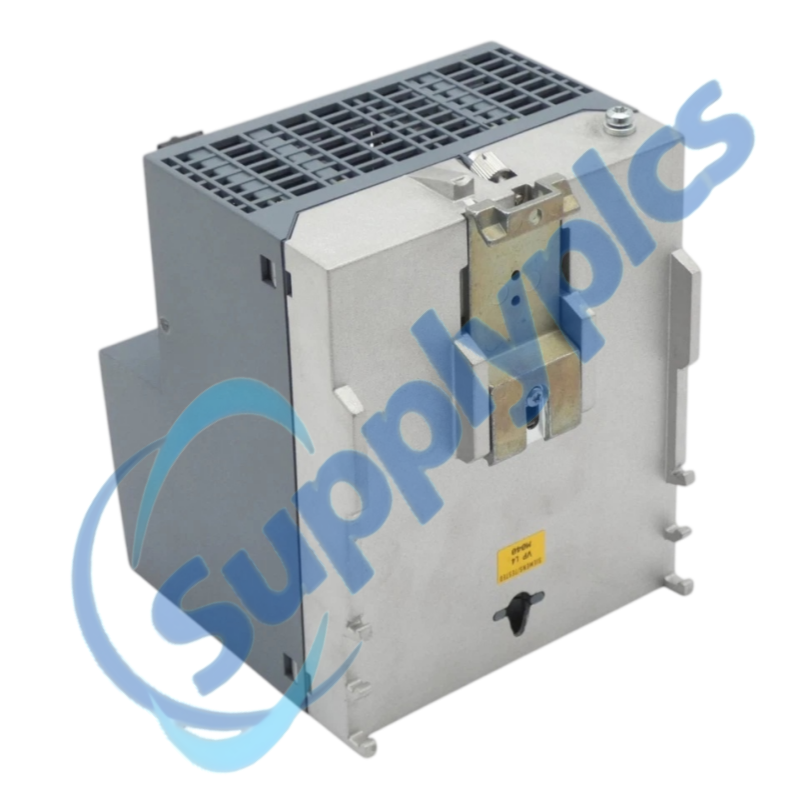
A Layer 2 SCALANCE XC224 with 24 RJ45 10/100 Mbit/s ports, console access, diagnostics and redundant power.
Verify first: Preserve the network project, VLAN and redundancy settings, PROFINET device name, port map and any C-PLUG.
Specifications
Product family
SCALANCE XC-200 managed
RJ45 ports
24 x 10/100 Mbit/s
Management
Layer 2 managed
Integration
PROFINET IO device; EtherNet/IP compliant
Diagnostics
Console port and LEDs
Redundancy
Redundant power; RSTP features
Configuration media
C-PLUG slot
Ambient range
-40 to +70 degrees C
Function
01Capture
Export settings and photograph the labeled port map.
02Check
Confirm power, C-PLUG, VLANs, ring and device name.
03Transfer
Move cables one by one using the approved topology plan.
04Prove
Check port status, controller diagnostics and ring recovery.
Description
The XC224 supports PROFINET IO-device functionality, RSTP and VLAN features. Siemens lists a C-PLUG slot and DIN-rail, S7-rail or wall mounting.
A hardware exchange can interrupt production if managed settings are missing. Document each port and uplink, save the approved configuration and test during a controlled maintenance window.
SupplyPLCs coordinates exact-model sourcing, condition checks and global delivery for industrial automation spares. Share the complete order number, installed-system context and destination so the quotation reflects the actual application.
FAQ
Q1How can I check whether 6GK5224-0BA00-2AC2 matches an installed switch?
Compare the order number, port map, power wiring, C-PLUG use, mounting and configured functions.
Q2What must be saved before replacing 6GK5224-0BA00-2AC2 in a production network?
Export the approved configuration and record VLAN, RSTP, PROFINET name, IP address and port labels.
Q3Why might devices lose communication after 6GK5224-0BA00-2AC2 is installed?
Compare physical ports with the plan, then check link LEDs, VLAN membership, naming, IP settings and ring state. Avoid creating a loop.
Q4What should I inspect if 6GK5224-0BA00-2AC2 has an intermittent uplink?
Inspect cable and connectors, port errors, vibration, temperature and the redundant supply. Review ring events during an approved window.
Q5How should an engineer commission 6GK5224-0BA00-2AC2 in PROFINET?
Assign the approved device name and address, restore the validated configuration and verify controller diagnostics before production.
Q6What should a buyer include when requesting 6GK5224-0BA00-2AC2?
Provide the exact order number, condition, firmware constraints, C-PLUG needs, accessories and destination.

 EN
EN