Q1
How can a buyer confirm that 6GK5324-0GG00-1HR2 matches an installed rack switch?
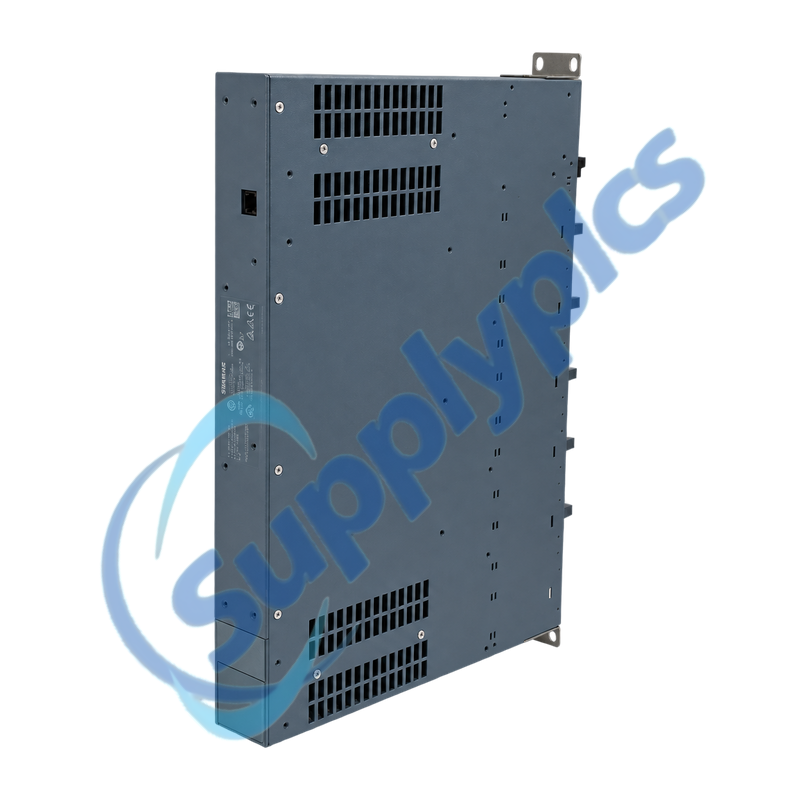
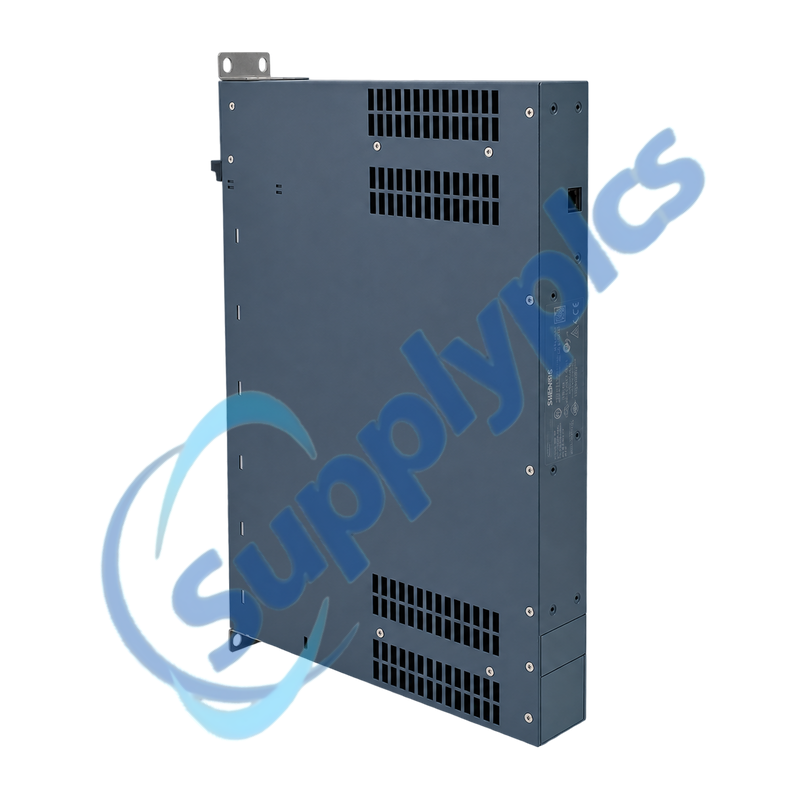
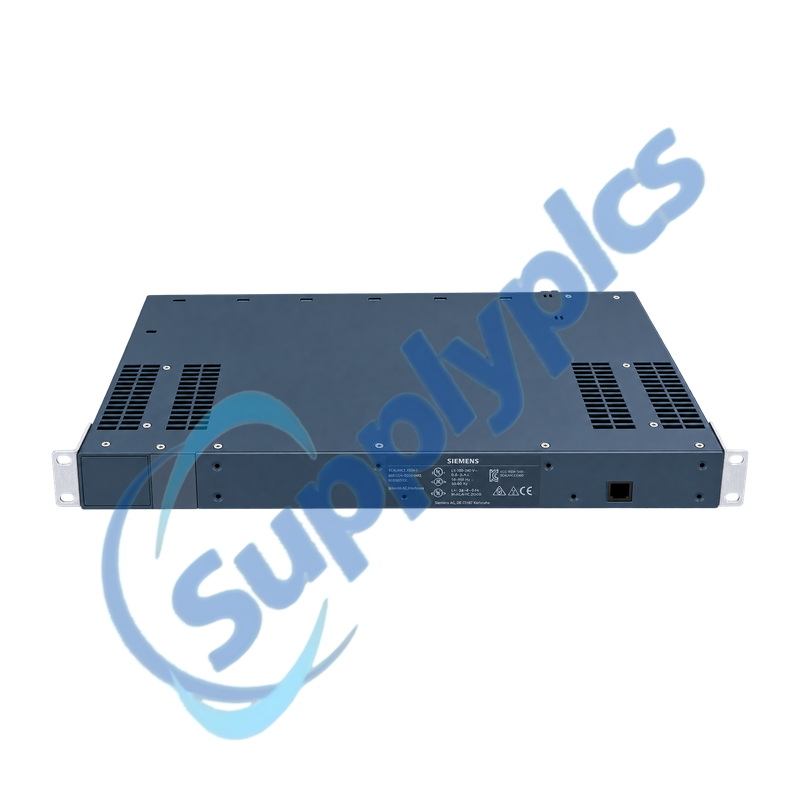
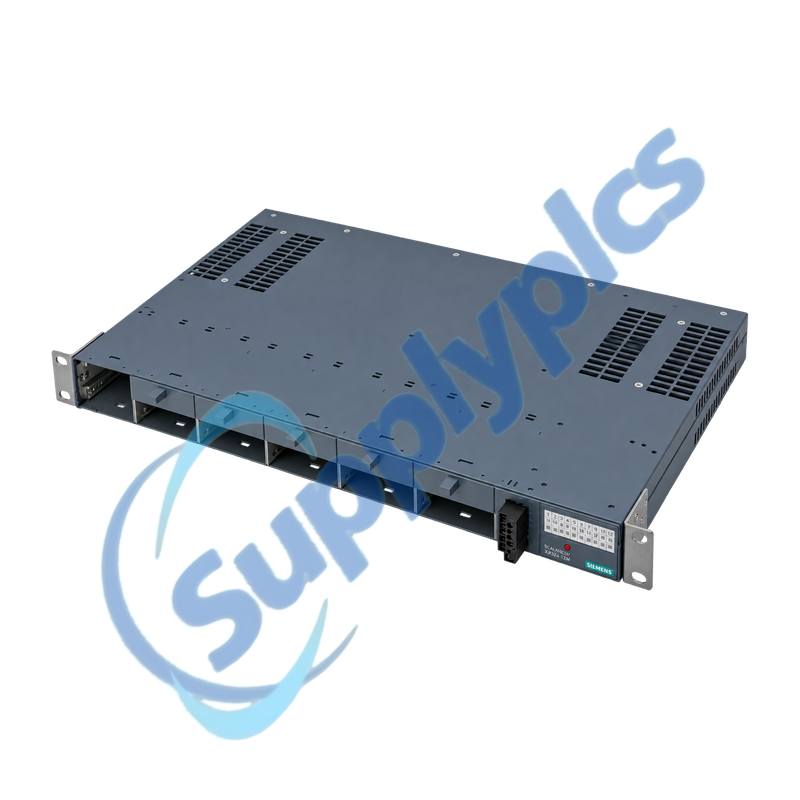
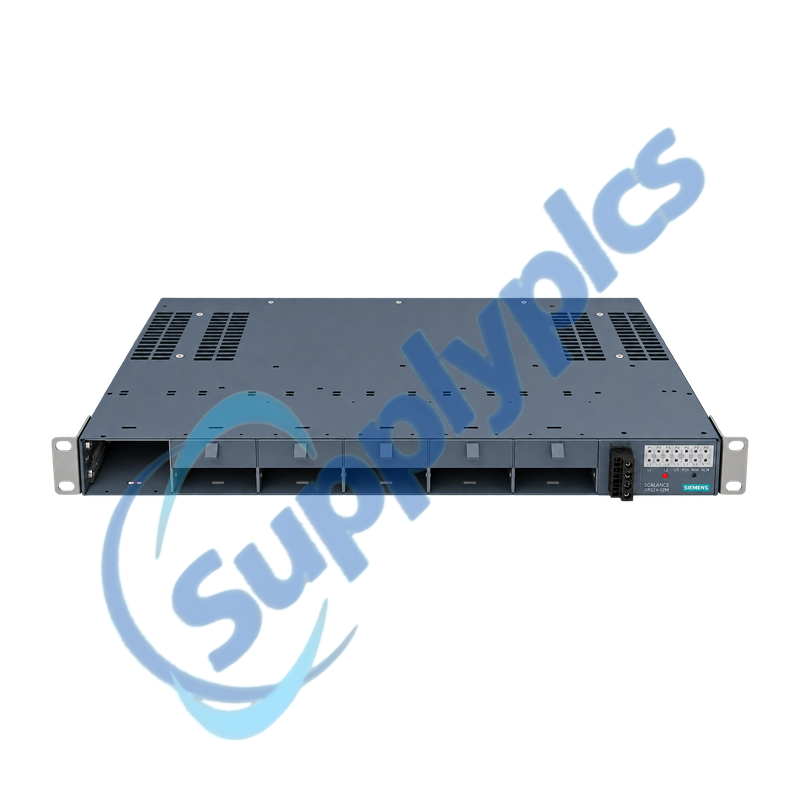
Verify the complete order code, 24 V DC supply and rear cable outlet, then inventory all twelve media-module slots. Compare the fitted copper or fiber modules, rack depth, C-PLUG, firmware, VLANs and redundancy role with the existing installation.
Q2
What should be backed up before replacing 6GK5324-0GG00-1HR2 in a plant network?
Export the switch configuration and record the C-PLUG state, management IP, PROFINET name, firmware, port labels, VLANs, ring ports, SNMP settings, signaling contact and every media-module order number. Photograph the rear port map before moving cables.
Q3
Why can an optical link remain down after installing 6GK5324-0GG00-1HR2?
Confirm that the media modules at both ends support the same fiber type, wavelength and speed, then inspect transmit and receive polarity, connector cleanliness, attenuation and partner-port configuration. The base switch alone does not define optical compatibility.
Q4
How should a technician use the C-PLUG when changing 6GK5324-0GG00-1HR2?
Keep a separate exported backup, verify that the C-PLUG is readable and compatible with the replacement firmware, and move it only during a controlled outage. After startup, compare the active configuration and diagnostics before reconnecting critical traffic.
Q5
What should be checked if 6GK5324-0GG00-1HR2 passes ordinary traffic but the redundancy ring does not close?
Verify the designated ring ports, redundancy protocol, manager and client roles, VLAN membership and partner-device settings. Check for an unintended loop or mismatched protocol before enabling the redundant path.
Q6
Why can management access to 6GK5324-0GG00-1HR2 fail while connected devices still communicate?
Layer-two forwarding can continue when the management identity is wrong. Check the management VLAN, IP address, subnet, PROFINET name, access protocol, user credentials and the service-port path without resetting the production configuration.

 EN