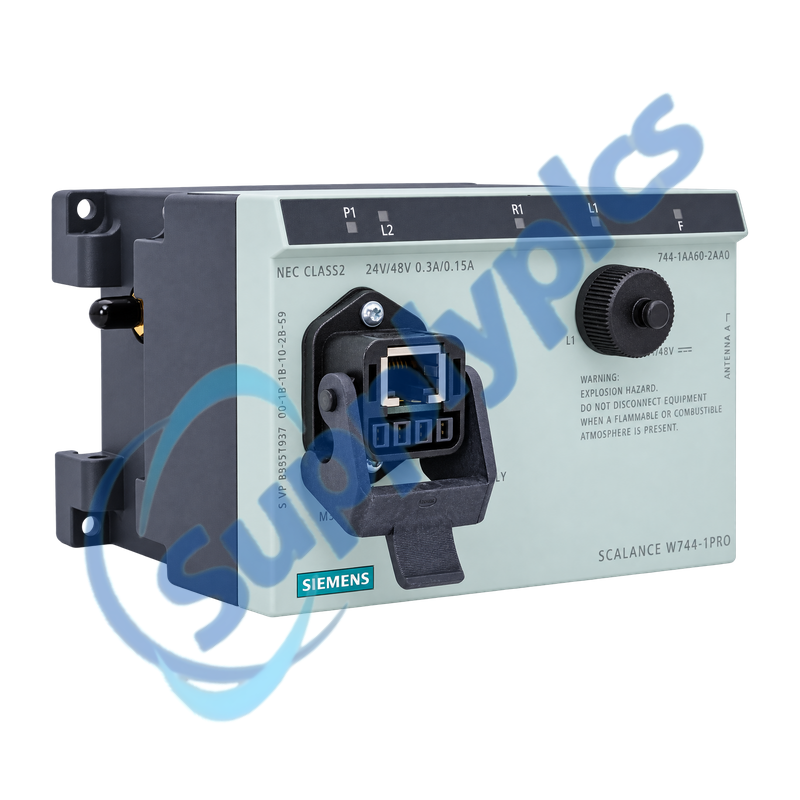
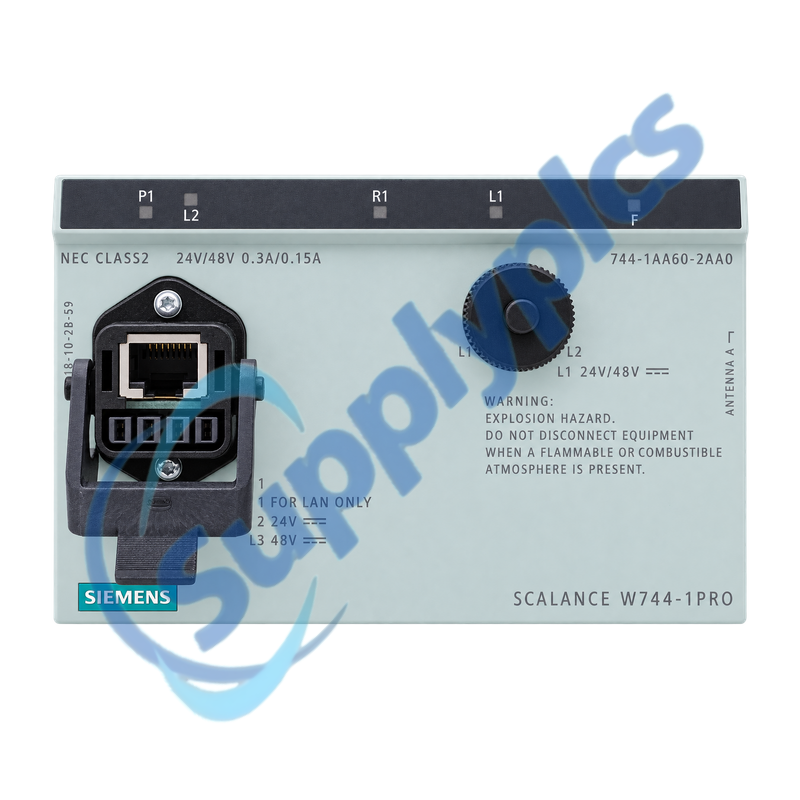
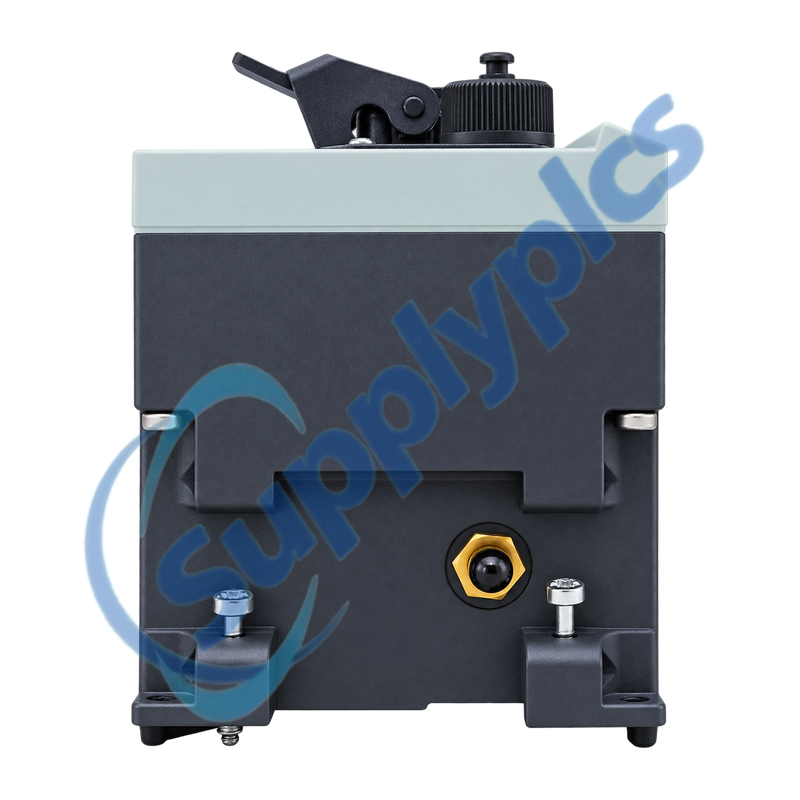
IP65 industrial WLAN client for connecting one Ethernet device to a wireless network
The SCALANCE W744-1PRO connects one Ethernet device identified by its IP or MAC address to an IEEE 802.11a, b, g or h wireless network. Its sealed housing, R-SMA antenna connections, M12 or hybrid cabling and 24 or 48 V DC power options suit machine and vehicle-side client applications.
Client and radio match: Confirm the one-device client role, approved country and channel settings, radio band, antenna type and cable, Ethernet device identity, power method, M12 or hybrid connector plan and IP65 sealing before installation.
Client Integration
6GK5744-1AA60-2AA0 is the SCALANCE W744-1PRO industrial WLAN client for bridging one wired device into a wireless cell. It provides one 10/100 Mbit/s Ethernet interface and two R-SMA antenna sockets while supporting IEEE 802.11a, b, g and h radio operation.
The one-device client boundary matters during replacement. The connected controller, drive or terminal must retain the expected IP or MAC identity, and the radio profile, antenna system, country approval and cabling must remain consistent with the access-point design for the link to recover predictably.
The W744-1PRO bridges one defined Ethernet device, so the wired identity and wireless profile must be planned together.
One-device boundary
Assign the intended PLC, drive or terminal as the single downstream IP or MAC device; this unit is not a general multi-client wireless router.
Ethernet and power
Document the M12 or hybrid cable pinout, selected 24 or 48 V DC or PoE method and the connected device address before replacement.
Antenna system
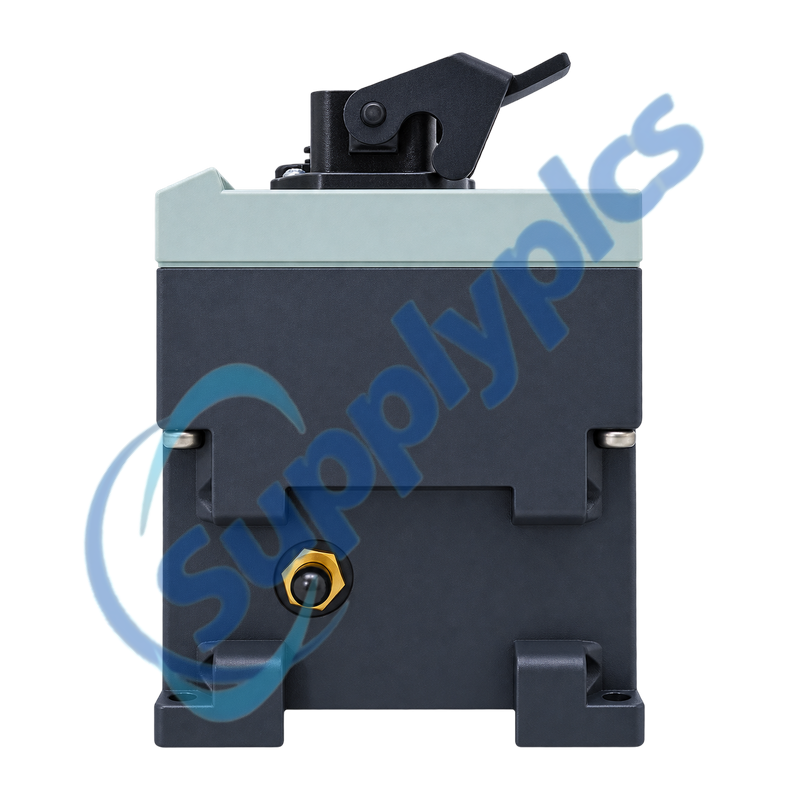
Use antennas and cables approved for the product and country, maintain connector sealing and preserve the original diversity arrangement.
Radio Diagnostics
Use the radio and Ethernet indicators together to locate a fault on the correct side of the client bridge.
Association state
Confirm the configured SSID, security method, country and channel support before treating a missing radio link as hardware failure.
Signal path
Inspect both R-SMA connectors, antenna cables, mounting position and nearby obstruction when association is unstable or throughput falls.
Wired device identity
If WLAN association is healthy but the machine is unreachable, verify the one connected device, its IP or MAC identity and the Ethernet link.
Can 6GK5744-1AA60-2AA0 connect several Ethernet devices behind an unmanaged switch?
It should be planned as a client for one downstream device identified by its IP or MAC address. A multi-device segment changes the supported client behavior, so use the unit directly with the intended controller, drive or terminal unless the network design explicitly supports another arrangement.
Q2
What should an installer preserve before replacing 6GK5744-1AA60-2AA0 on a machine?
Save the WLAN configuration and record the SSID, security settings, country and channel plan, downstream device identity and Ethernet address. Photograph both antennas, M12 or hybrid cabling and the selected power method.
Q3
Why can 6GK5744-1AA60-2AA0 show an Ethernet link while the wireless connection is unavailable?
The wired side can remain active when the client is not associated with an access point. Review SSID and security settings, allowed country channels, antenna connections and received signal conditions before changing the Ethernet device.
Q4
How should antenna problems be diagnosed on 6GK5744-1AA60-2AA0?
Inspect both R-SMA connectors, approved antennas, cable condition and weather sealing, then compare signal and association behavior with the original mounting position. An open or poorly seated diversity path can produce intermittent radio performance.
Q5
Which power and connector details matter when installing 6GK5744-1AA60-2AA0 outdoors?
Match the established 24 or 48 V DC, PoE or hybrid-cable method and preserve connector pinout and seals. The IP65 housing rating depends on correctly fitted approved connectors, caps and antenna assemblies.
Q6
What should a buyer provide to confirm 6GK5744-1AA60-2AA0 is suitable for an existing WLAN cell?
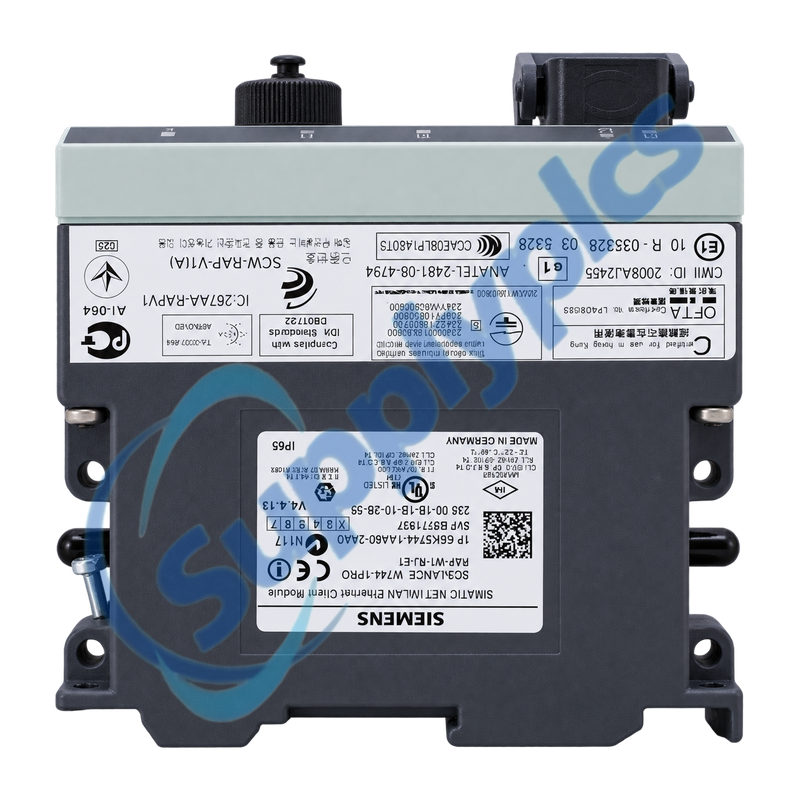
Provide the complete order label, country of use, access-point model, radio standard and security method, antenna system, connected device identity and power or cabling arrangement. This distinguishes the exact W744-1PRO client role from similar access points and other W74x variants.

 EN