Q1
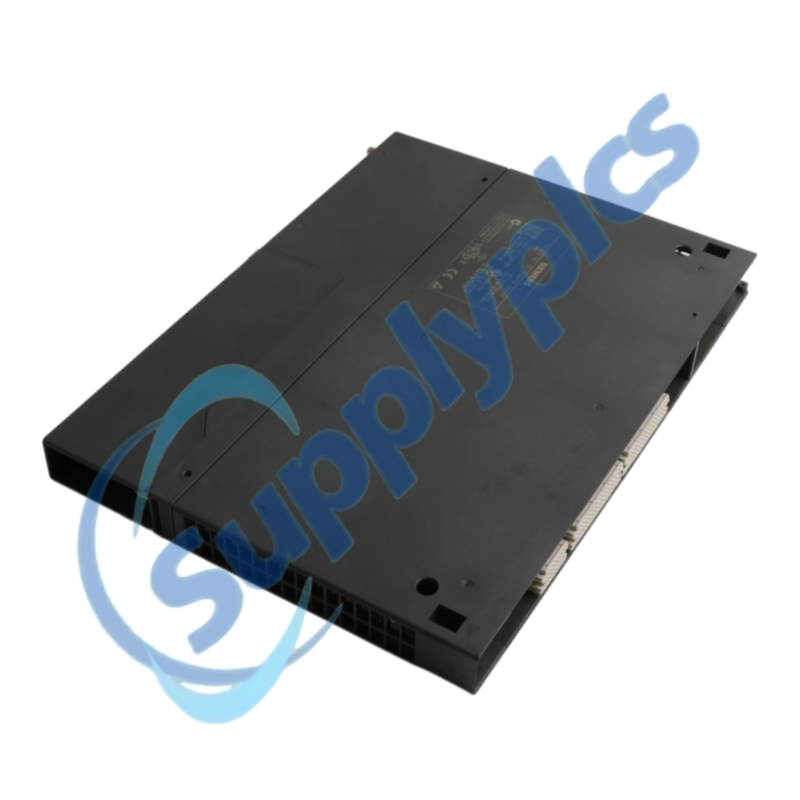
How should I confirm that 6GK7443-1EX20-0XE0 is compatible with my SIMATIC S7-400 station?
Do not order until the archived STEP 7 project confirms the same S7-400 hardware context. Check the exact order number, CPU and rack type, occupied slot, STEP 7 version, firmware and all configured communication services. Compare the current hardware catalog entry with the archived project before purchase.
Q2
What should I back up before replacing 6GK7443-1EX20-0XE0?
Stop the replacement if the complete STEP 7 project and connection records cannot be restored. Archive the complete STEP 7 project and record IP parameters, S7 connections, SEND/RECEIVE connections, PROFINET IO devices, access-list settings, time synchronization and both cable destinations.
Q3
Why can 6GK7443-1EX20-0XE0 show Ethernet link while the PLC communication remains unavailable?
An Ethernet link without PLC communication usually points to hardware-configuration, addressing or connection-resource differences. Confirm that the module starts without rack or hardware-configuration errors, then compare IP addressing, connection resources, communication blocks and partner settings with the approved project. Review STEP 7 and web diagnostics before changing hardware.
Q4
How should I test 6GK7443-1EX20-0XE0 after loading the archived project?
Return the station to service only after every configured communication path has passed a controlled test. With the machine in a safe state, verify module status, network reachability, S7 connections, each open-communication service and every PROFINET IO device. Record diagnostic results before returning the station to production.
Q5
What must be reviewed before migrating from 6GK7443-1EX20-0XE0 to the Siemens successor?
Treat the Siemens successor as an engineered migration, not a drop-in swap. Treat the successor as an engineered migration. Compare rack and CPU compatibility, firmware, STEP 7 hardware catalog support, connection capacity, PROFINET behavior, IP access controls and the approved plant test plan.
Q6
Which details should I provide when requesting 6GK7443-1EX20-0XE0 as a spare?
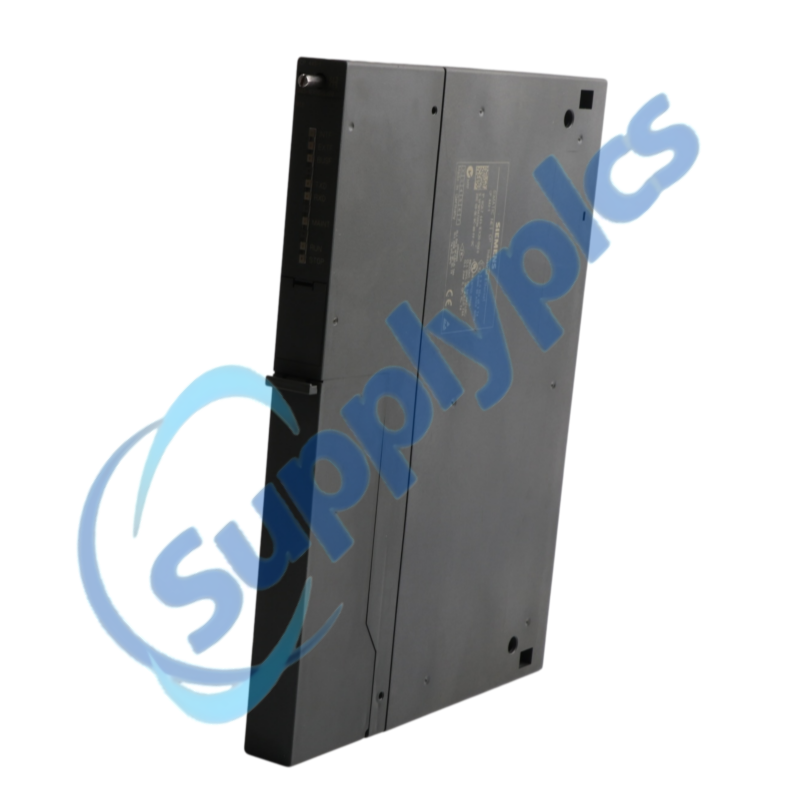
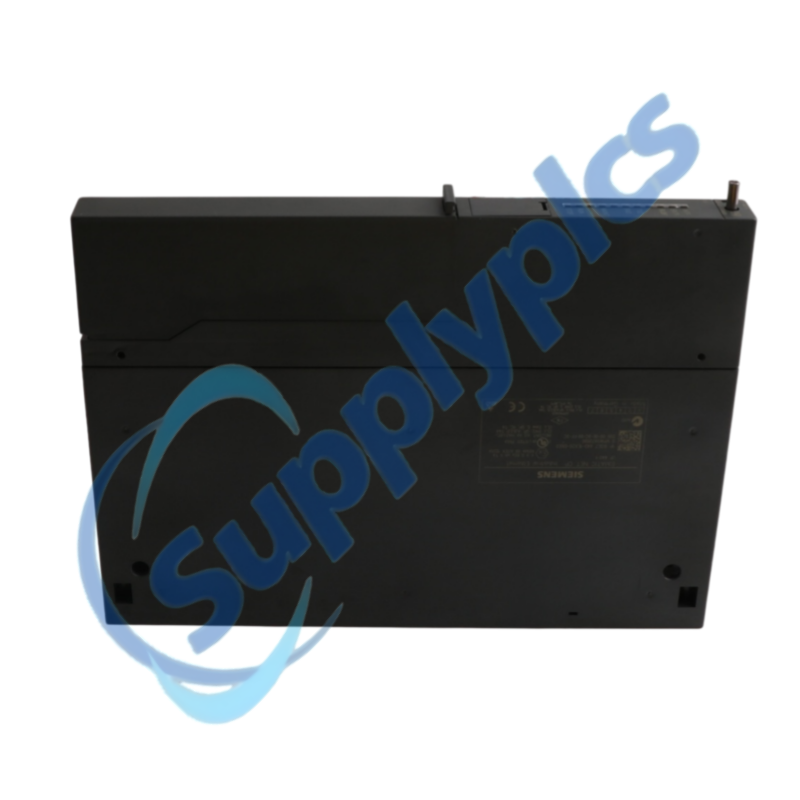
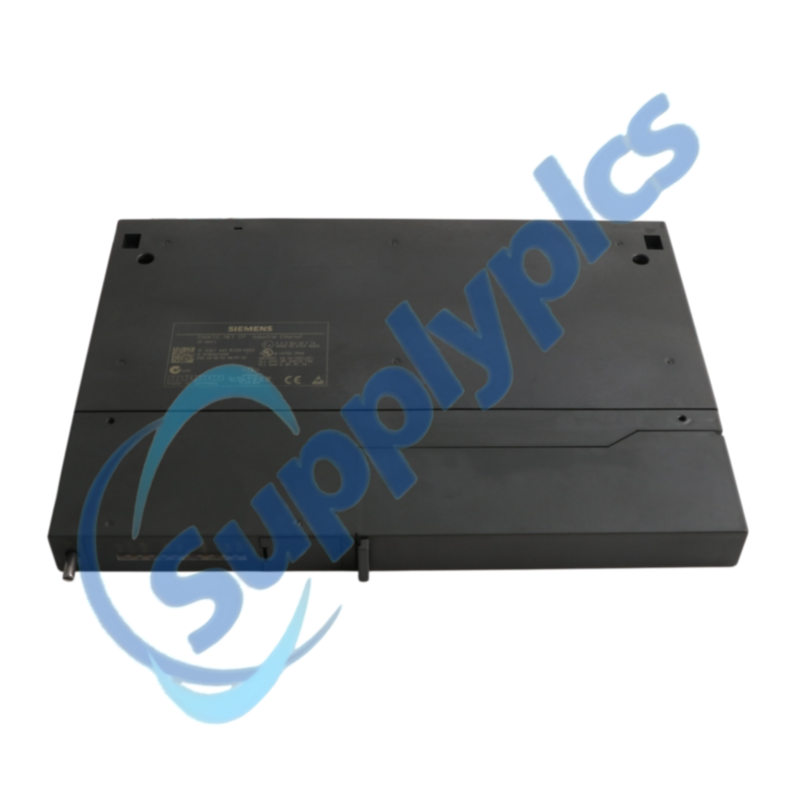
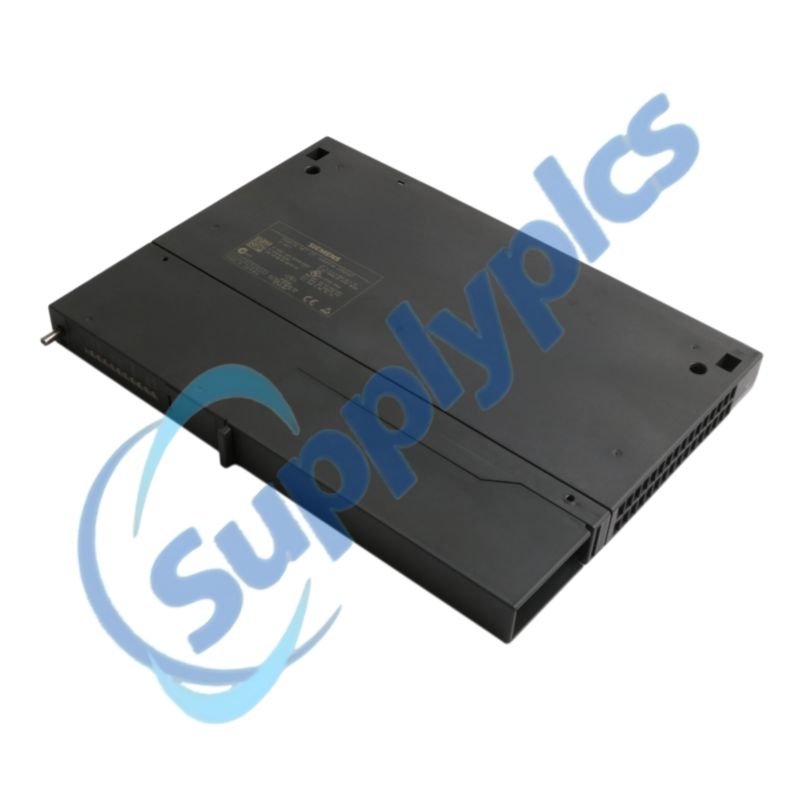
A useful spare quotation needs the installed S7-400 and software context. Provide the full order number, module firmware, S7-400 CPU and rack, STEP 7 version, configured protocols, PROFINET IO device count and clear photos of the nameplate and front connectors.

 EN
EN