Get a Free Quote

Our representative will contact you soon.
Email
Name
Mobile
Company Name
Message
0/1000
siemens 6gk7443 1gx11 0xe0 simatic net cp 443 1 it communication processor-0

SIEMENS

Home >  Products >  SIEMENS

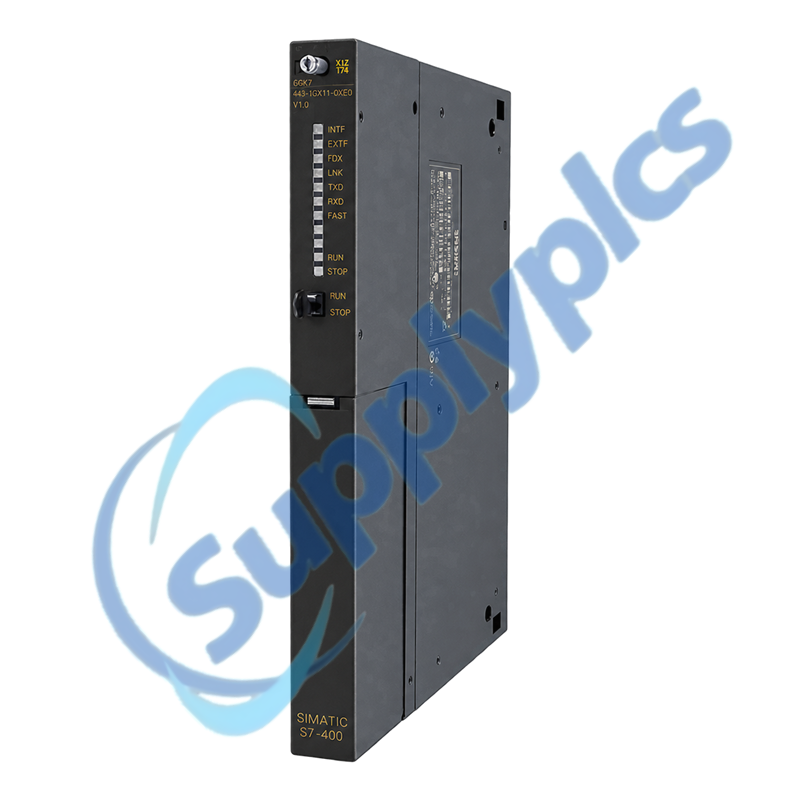
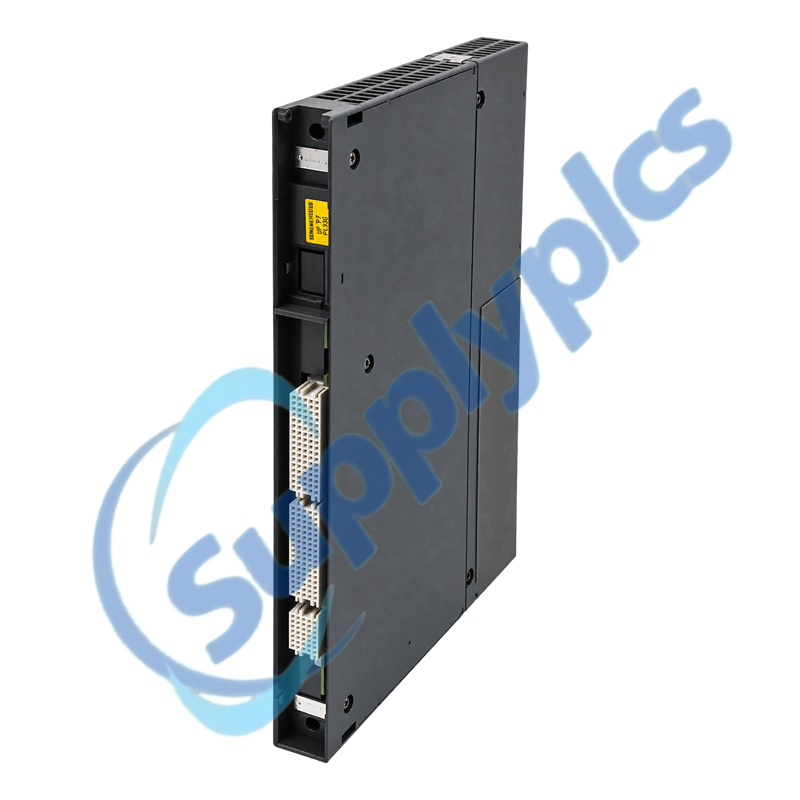
Siemens 6GK7443-1GX11-0XE0 SIMATIC NET CP 443-1 IT

Product Name: SIMATIC NET CP 443-1 IT Communication Processor
Brand Name: Siemens
Model Number: 6GK7443-1GX11-0XE0
Place of Origin: Germany
Warranty: 12 Months
Whatsapp: +86 18020776782
Appurtenance:
  • Overview
  • Network Services
  • Description
  • Specifications
  • Replacement Flow
  • Commercial Term
  • Contact info
  • FAQ
  • Other Products
  • Recommended Products
Industrial Ethernet processor with S7 communication, TCP/IP services and integrated IT functions
The CP 443-1 IT connects a SIMATIC S7-400 station to Industrial Ethernet and supports S7 communication, ISO transport, ISO-on-TCP, TCP, UDP, multicast, FETCH/WRITE, NTP, FTP, web access and e-mail functions.
CP service mapVerify the hardware and firmware version, S7-400 CPU support, rack and slot, IP and MAC parameters, connection table, FTP and HTTP use, time synchronization, partner port mode and saved STEP 7 configuration before exchange.

Network Services

Inventory every active service because ordinary Ethernet link status does not confirm S7, FTP, web or e-mail operation.
Connection table
Export the configured S7, ISO, TCP, UDP and FETCH/WRITE connections and note every partner address and active endpoint.
IT content
Back up FTP files, HTML pages, user access and mail parameters; these items may not be covered by a simple IP-address record.
Clock role
Record whether the CP receives SIMATIC time or uses NTP and verify server reachability after commissioning.

Description

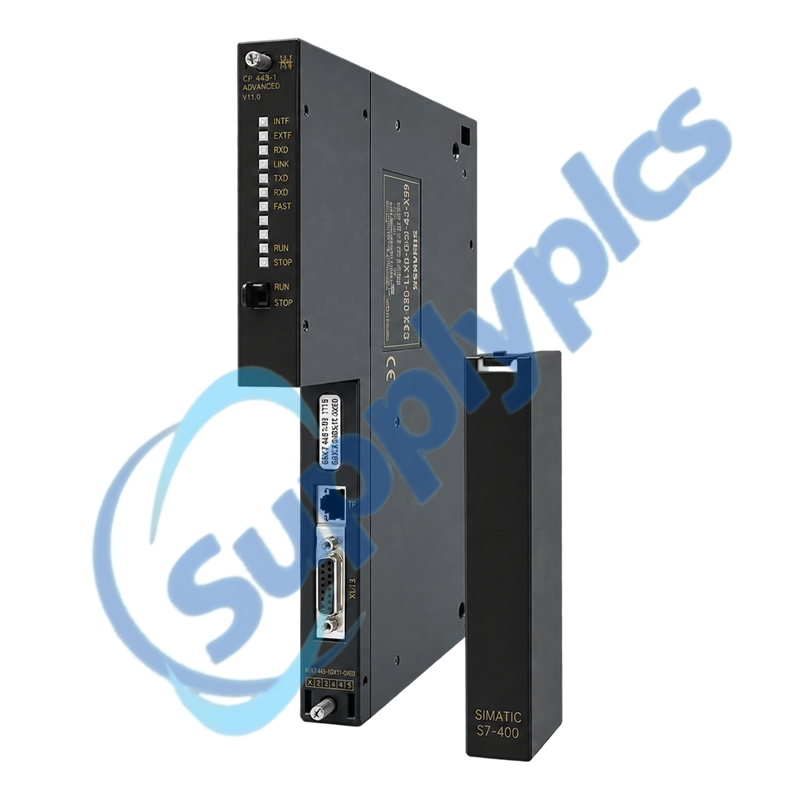
6GK7443-1GX11-0XE0 is a legacy CP 443-1 IT with a 10/100 Mbit/s TP interface and an AUI/ITP interface. Siemens documents firmware V2.0 or later for the manual revision selected for this product.
The IT functions consume connection resources and depend on the loaded configuration. Preserve the IP plan, MAC handling, S7 connections, SEND/RECEIVE blocks, FTP users and files, HTML content, NTP settings and diagnostics before replacement.

Specifications

Product type designation
SIMATIC NET CP 443-1 IT
Order number
6GK7443-1GX11-0XE0
PLC platform
SIMATIC S7-400
Firmware reference
V2.0 or later in the selected Siemens manual
TP interface
8-pin RJ45, 10/100 Mbit/s
AUI / ITP interface
15-pin D-sub
Industrial protocols
ISO transport, ISO-on-TCP, TCP and UDP
S7 services
PG/OP, S7 connections and SEND/RECEIVE
IT services
FTP client/server, web server and e-mail
Time synchronization
SIMATIC mode or NTP
Connection resources
Up to 64 Industrial Ethernet connections total
Lifecycle / net weight
End of product lifecycle; approx. 0.845 kg

Replacement Flow

Use the Siemens compatibility rules and restore the configuration in a controlled order before reconnecting production traffic.
CPU and rack
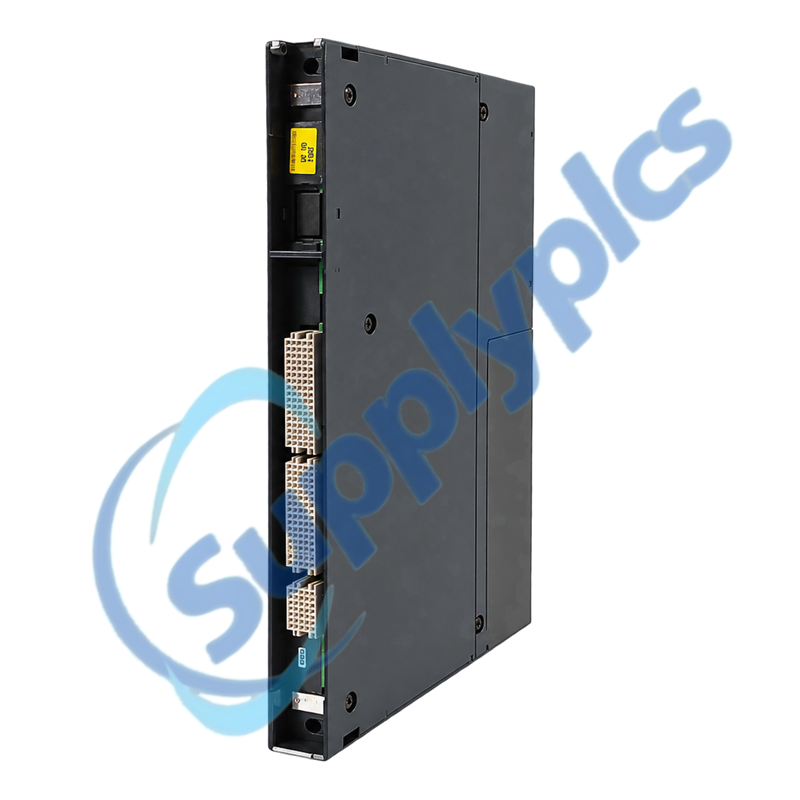
Confirm a supported S7-400 CPU and a CR2, UR1 or UR2 slot with the required P and K bus attachment.
Port mode
Record the active TP or AUI/ITP connection and the partner speed and duplex settings before moving the cable.
Reset discipline
Distinguish clear/reset from factory reset so IP parameters and MAC handling are not lost unintentionally.

Commercial Term

Quotation
Current price and availability
Payment
T/T or agreed terms
Lead time
Confirmed with quotation
Shipping
DHL, FedEx, UPS or agreed freight
Warranty
12 months

Contact info

FAQ

Q1
Can 6GK7443-1GX11-0XE0 replace an older CP 443-1 IT without rebuilding the S7 project?
Only after checking the installed hardware and firmware version against the Siemens compatibility chapter. Preserve the STEP 7 configuration, connection table, IP parameters, IT files and block calls, then verify every service after download.
Q2
Why can the LINK LED be on while S7 or FTP communication through 6GK7443-1GX11-0XE0 still fails?
LINK confirms the physical Ethernet path, not the configured service. Check the CP operating mode, IP and subnet data, configured connection, FTP resource use, user access, partner endpoint and the first NCM diagnostic events.
Q3
What data should be recorded before exchanging 6GK7443-1GX11-0XE0 in an S7-400 rack?
Save the hardware configuration, IP and MAC plan, S7 and SEND/RECEIVE connections, FTP and HTTP content, NTP settings and diagnostic buffer. Photograph the slot, cable type, partner port and LED state under normal operation.
Q4
How should the front LEDs of 6GK7443-1GX11-0XE0 be used to diagnose an intermittent network fault?
Record INTF, EXTF, RUN, STOP, LINK, FDX, FAST, TXD and RXD together when the fault occurs. Correlate the pattern with NCM diagnostics and partner-port counters before changing speed, duplex or configuration.
Q5
Which installation checks matter before fitting 6GK7443-1GX11-0XE0 into another S7-400 station?
Confirm the CPU is supported, the rack has P and K bus attachment, the selected slot is permitted and the configured communication load is suitable. Match the actual TP or AUI/ITP interface and partner settings.
Q6
How can 6GK7443-1GX11-0XE0 be reset without accidentally losing the network configuration?
Use the Siemens distinction between clear/reset and reset to factory defaults. Save the project and IT files first, record the current IP and MAC data, and reload the approved configuration before reconnecting production clients.

Other Products

BZME1-A80-BT
BZMC1-A32-BT
EPXPNS101-ABAC
BZMC2-A200
IC694ALG392-FG
XLS-ABF-1B
IC694MDL754-HD
60-693-01
7-061-0006 V5L26985
PR24D06-2CO-M-B5/P
EST 140331
LIP-ME201 100Base-T
MN-S4-500-A
C2IR-8 6500429
DDM-163 05-008-163 DKL-013
05-006-161 DKL011
7KT0311
GS-CO-S
7KT0310
MNB-CNTLR-300
ABB 0768458
RA1483A
MCW-211-SM-LC15
AVP101
2079872
S903
GAMAX2
MID1E-800
TPNN0077
MID2E-800

Get a Free Quote

Our representative will contact you soon.
Email
Name
Mobile
Company Name
Message
0/1000

Get a Free Quote

Our representative will contact you soon.
Email
Name
Mobile
Company Name
Message
0/1000