Get a Free Quote

Our representative will contact you soon.
Email
Name
Mobile
Company Name
Message
0/1000
prosoft mvi56e mcmxt modbus master slave module-0

Prosoft

Home >  Products >  ROCKWELL >  Prosoft

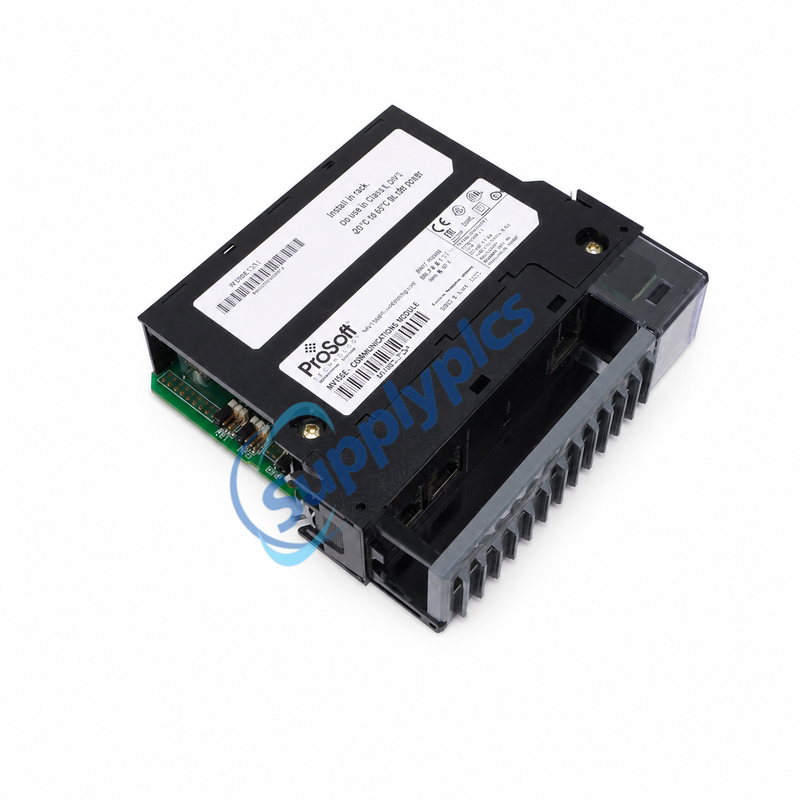
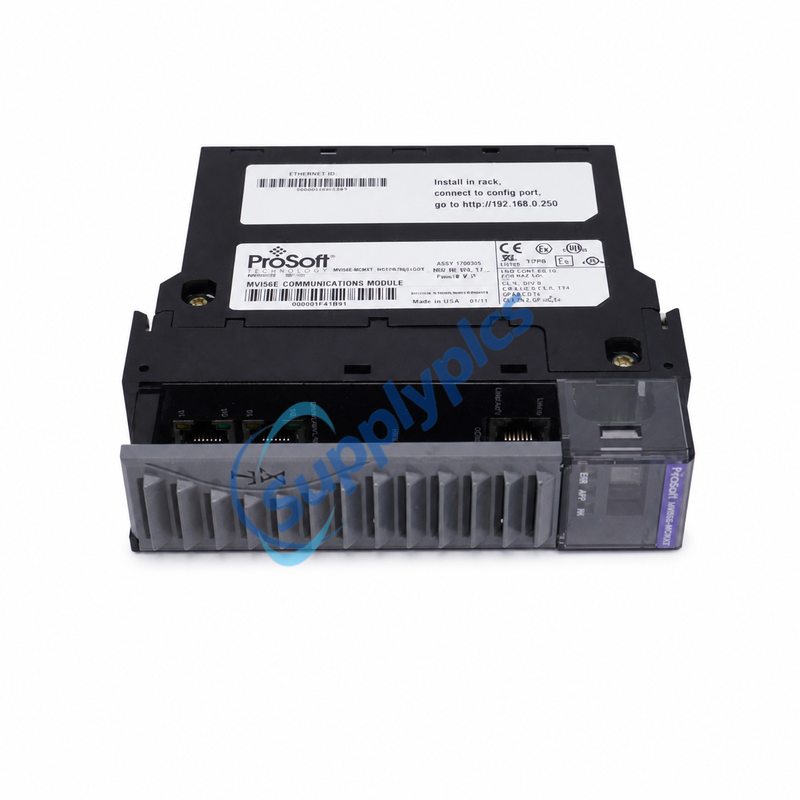
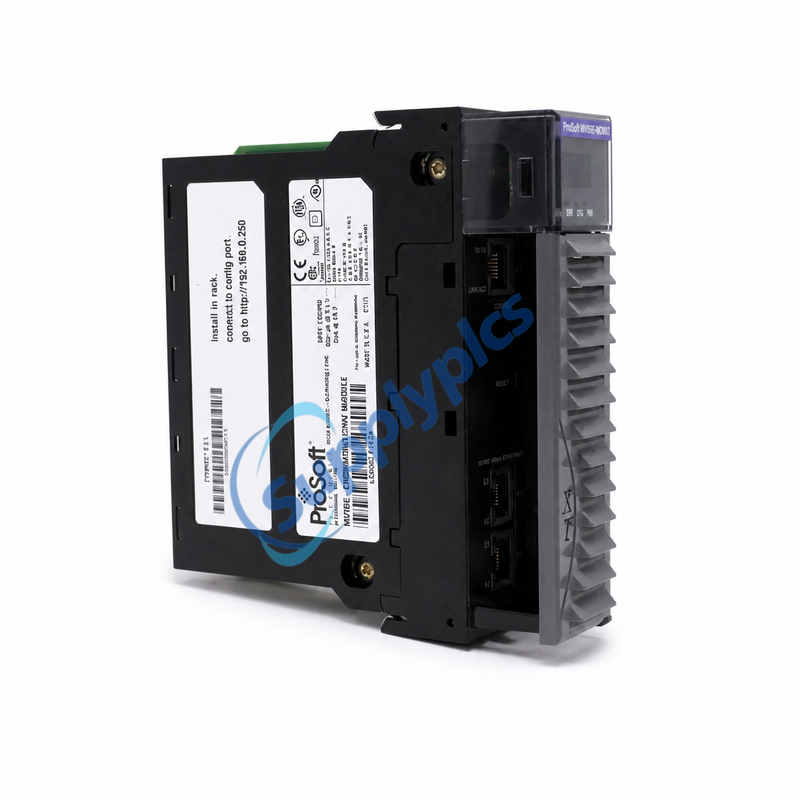
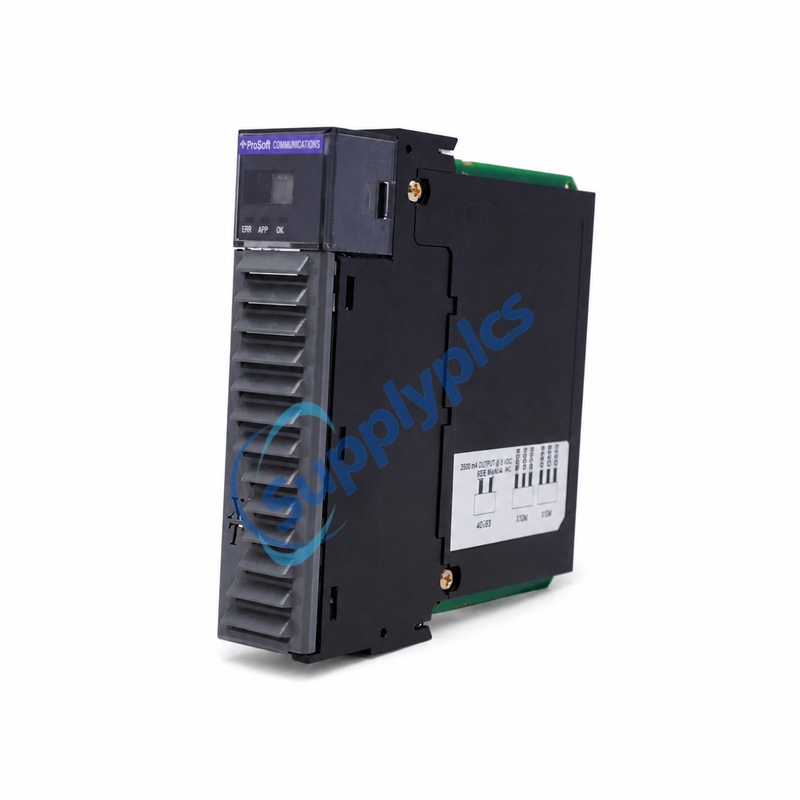
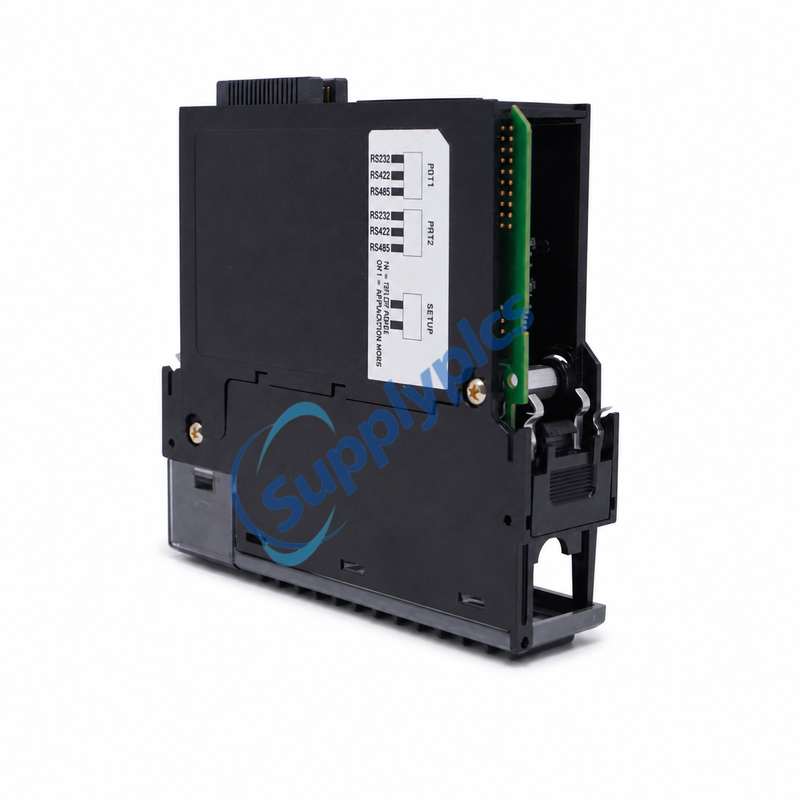
PROSOFT ControlLogix MVI56E-MCMXT Modbus Master/Slave Communication Module | In Stock

PROSOFT · CONTROLLOGIX / LOGIX-XT
MVI56E-MCMXT
Modbus Master/Slave Enhanced Communication Module
EXTREME ENVIRONMENT
IN STOCK
Original New
Port roles: Two independently configurable Master / Slave ports   Interfaces: RS-232 / RS-422 / RS-485
Email: [email protected]
WhatsApp: +86 18159889985

Appurtenance:
  • Overview
  • Key Benefits
  • Port Roles
  • Serial Setup
  • Diagnostics
  • Environment
  • Fit Check
  • Request Quote
  • FAQ
  • Recommended Products
PRODUCT ROLE
Serial Modbus inside ControlLogix

What MVI56E-MCMXT does

The module links Rockwell Automation ControlLogix processors with Modbus RTU/ASCII devices. It sits in one 1756 backplane slot and presents Modbus data to the controller as I/O data.

Its two serial application ports are independently configurable, so one port can operate as a Modbus Master while the other operates as a Slave, or both can perform the same role on separate networks.

System path: ControlLogix processor ↔ backplane I/O ↔ MVI56E-MCMXT ↔ two Modbus serial networks

Key Benefits

Designed for migration and scale
Backward compatible
Direct replacement path for earlier MVI56 modules without changing the existing controller program.
10,000 registers
User-definable mapping supports up to 10,000 16-bit registers.
One-slot design
Fits a single 1756 ControlLogix backplane slot and supports RIUP.

Port Roles

PORT CONFIGURATION
Independent networks

Each port can be set as Master or Slave and can operate on the same or different Modbus networks.

Master mode: up to 325 fully configurable commands per port, with optimized polling and command status/error monitoring.

Slave mode: node address 1–247; allows a remote Master to read or write mapped database content.

Serial Setup

Match these values before commissioning
Electrical
RS-232 / RS-422 / RS-485
Baud
110 to 115.2 kbps
Framing
7 or 8 data bits; 1 or 2 stop bits
Parity
None / Even / Odd
Ports use RJ45 connectors with supplied RJ45-to-DB-9M adapter cables. RS-232 hardware handshaking is configurable; each serial port is jumper-selectable for RS-232, RS-422 or RS-485.

Diagnostics

Faster fault isolation
  • 10/100 Base-T RJ45 configuration Ethernet port with auto-crossover detection.
  • Four-character scrolling alphanumeric display shows module, IP, port role, status and error information.
  • Separate RX/TX indicators for each serial port plus ERR, APP and OK status indications.
  • Built-in Modbus network analyzer; error codes, counters and port status are available in user data memory.

Environment

XT HARDWARE
−25 to 70°C
Operating range
Storage
−40 to 85°C
Humidity
5–95%, non-condensing
Vibration
5 g, 10–150 Hz
Protection
Conformal coating for harsh or caustic conditions

Fit Check

Confirm before ordering
✓ 1756 ControlLogix / Logix-XT chassis and available single slot
✓ MVI56E-MCMXT required for −25 to 70°C service
✓ Required role for P1 and P2: Master, Slave, or mixed
✓ RTU or ASCII mode and function codes
✓ RS-232/422/485 electrical interface and wiring
✓ Baud, parity, data bits, stop bits and node addresses

Useful details for a quote: chassis/controller, current module part number, port settings, connected device models and required quantity.

Request Quote

MVI56E-MCMXT
Request price and availability
Email: [email protected]
WhatsApp: +86 18159889985

FAQ

Can both ports have different roles?
Yes. P1 and P2 are independently configurable as Modbus Master or Slave and may run on the same or different networks.
What distinguishes MCMXT from MCM?
The XT version is designed for the Logix-XT platform, operates from −25 to 70°C, and includes conformal coating for harsh environments.
How is it configured?
Configuration is stored in the RSLogix 5000 project through the supplied Add-On Instruction; the Ethernet port supports configuration and diagnostics.

Get a Free Quote

Our representative will contact you soon.
Email
Name
Mobile
Company Name
Message
0/1000

Get a Free Quote

Our representative will contact you soon.
Email
Name
Mobile
Company Name
Message
0/1000