Legacy touch operation for established SIMATIC machine visualization
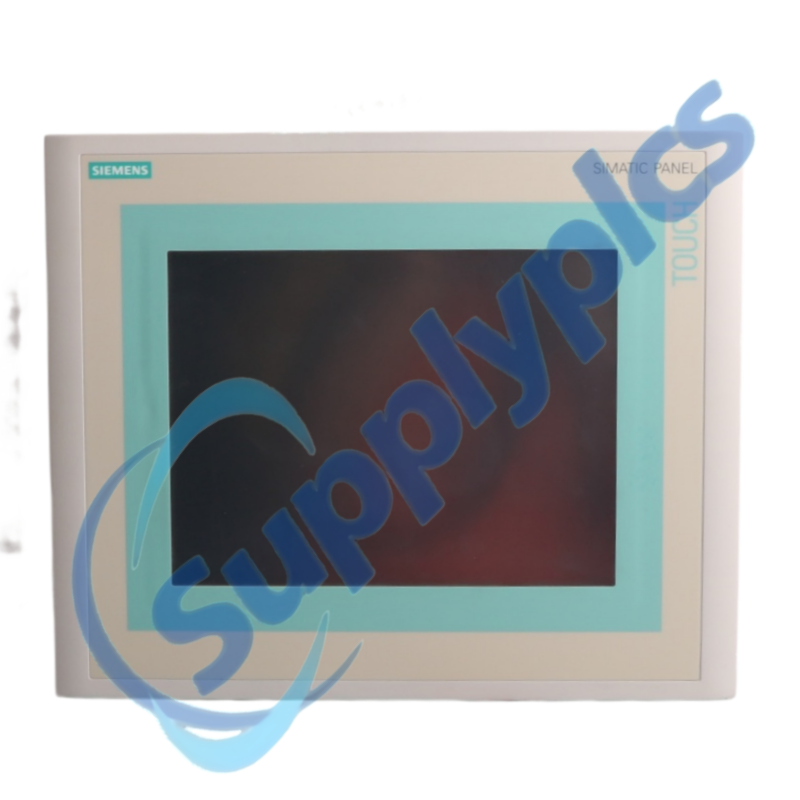
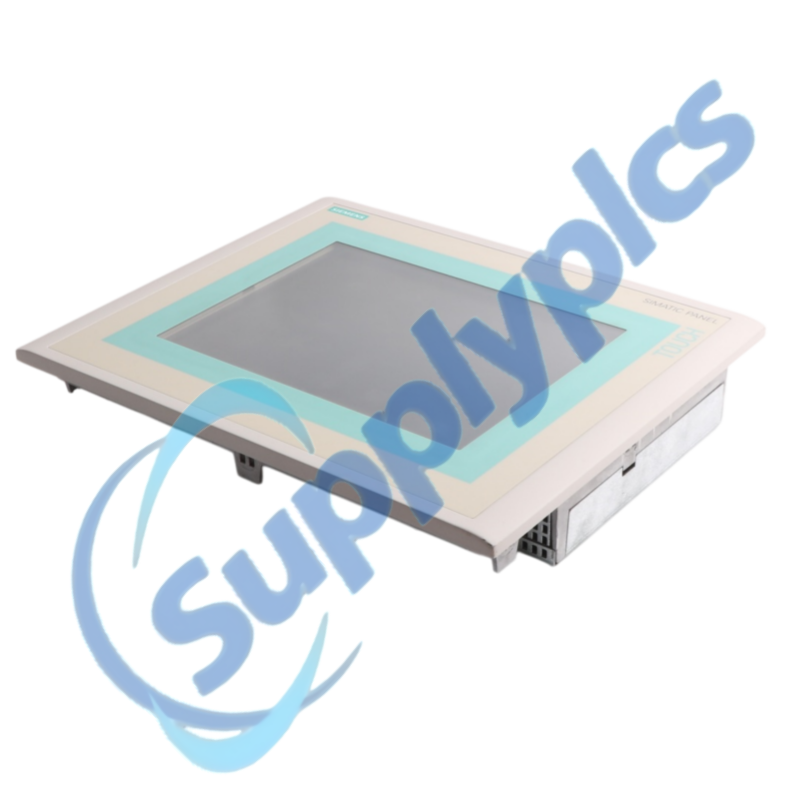
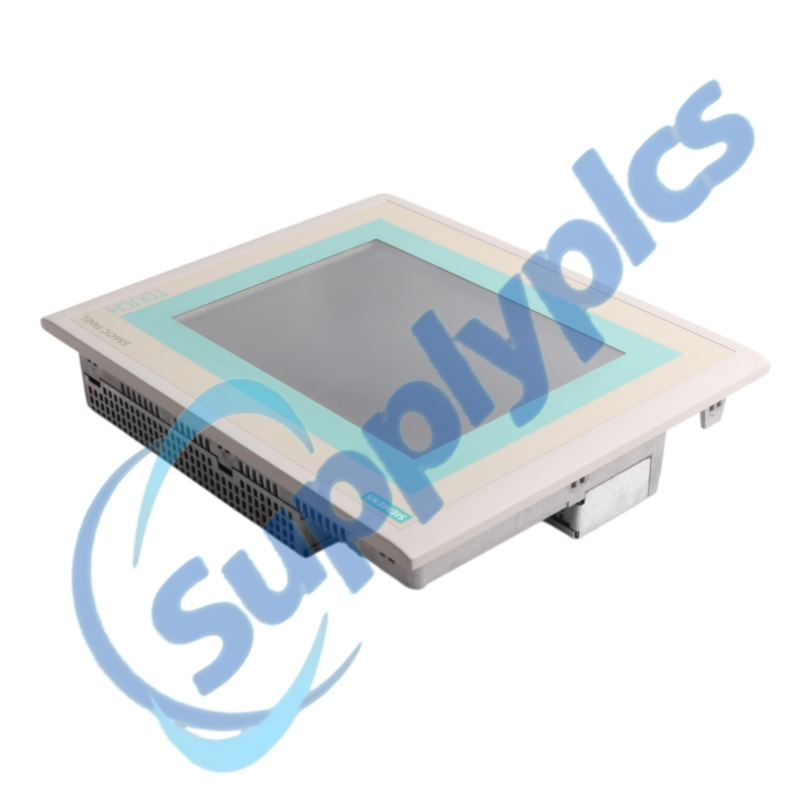
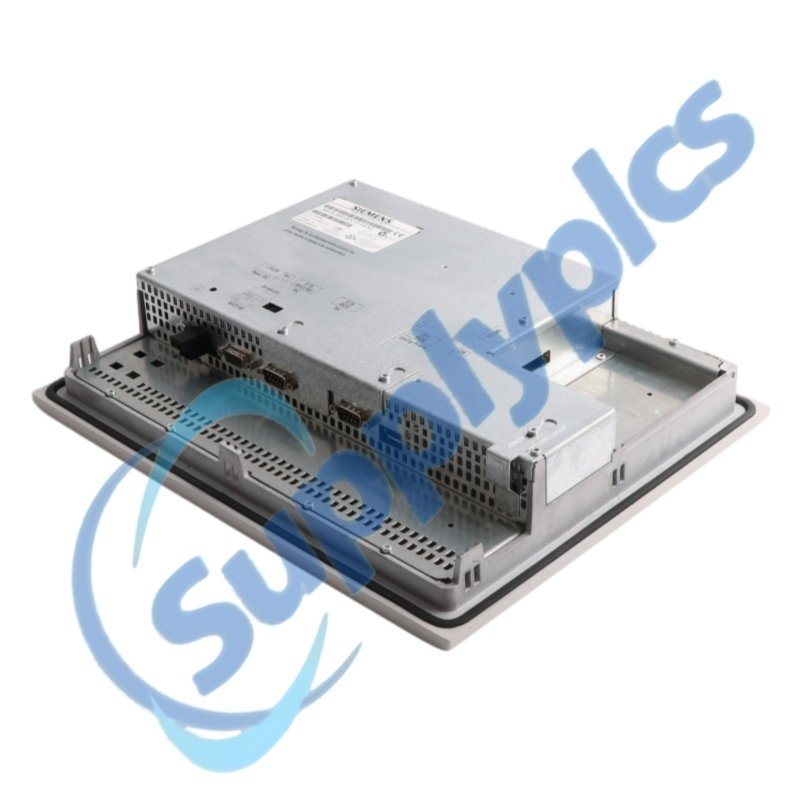
Siemens 6AV6545-0CC10-0AX0 is the SIMATIC TP270 10-inch Touch Panel with a 10.4-inch color display and 2 MB of configuration memory for legacy HMI applications.
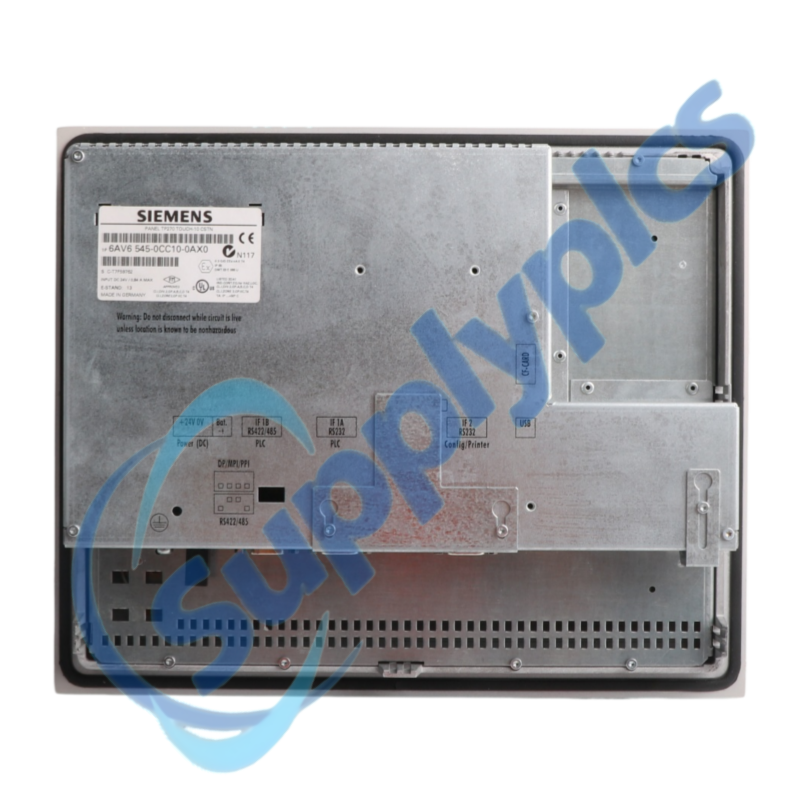
Verify first: Confirm the exact rear label, touch-panel cutout, 24 V DC supply, controller interface and editable ProTool project before selecting an exact spare or migration.
Description
The TP270 provides touch-based machine operation on a 10.4-inch color display. The exact model belongs to the SIMATIC TP270 10-inch family and was engineered with ProTool V6.0 or later.
For a dependable exchange, preserve the editable project, transfer method, PLC connection and operator data. Similar-looking panels may require different engineering software, cutouts or communication hardware.
HMI Migration Plan
01Recover the project
Open the editable ProTool source and record its version.
02Document the panel
Capture cutout, power, interface and connector assignments.
03Preserve operator data
Export recipes, alarms and permitted user data.
04Prove the exchange
Test touch calibration, PLC communication and every key screen.
We review the complete order number and installed-system context before quotation.
Condition coordination
Availability and product condition are confirmed for the requested unit.
Global delivery support
Shipping options and available official documentation are coordinated with the destination.
FAQ
Q1
How should I verify that 6AV6545-0CC10-0AX0 matches the installed system before purchase?
Read the complete rear order number and compare the 10.4-inch cutout, touch operation, supply and PLC interface. Confirm that the ProTool project can be opened and transferred before ordering.
Q2
What should I back up before replacing 6AV6545-0CC10-0AX0 in a working machine?
Save the editable ProTool project, available runtime transfer file, recipes, alarms and communication settings. Photograph all rear connectors and record the panel and PLC addresses before isolation.
Q3
What should I check if 6AV6545-0CC10-0AX0 powers up but does not become operational?
Measure the 24 V DC supply at the panel under load and inspect the connector. Check whether the panel reaches startup or transfer mode, then verify the transfer settings and runtime file before replacing additional hardware.
Q4
How should I troubleshoot a communication or interface problem after installing 6AV6545-0CC10-0AX0?
Confirm the configured PLC driver, cable type, node addresses, baud rate and termination. Compare the settings with the saved project and controller configuration before changing the PLC or panel.
Q5
What should I inspect when 6AV6545-0CC10-0AX0 develops an intermittent fault?
Inspect the touch surface, calibration, cabinet temperature, grounding, supply stability and connector seating. Record whether vibration, heat or a specific screen changes the response.
Q6
Which details should I provide when requesting a quotation for 6AV6545-0CC10-0AX0?
Provide the full order number, rear-label photograph, cutout dimensions, controller family, interface type and ProTool project version. State whether an exact spare or migration solution is required.
 EN
EN